5 - 4
FORE Systems ES-2810 Ethernet Switch User's Manual
Managing the Switch
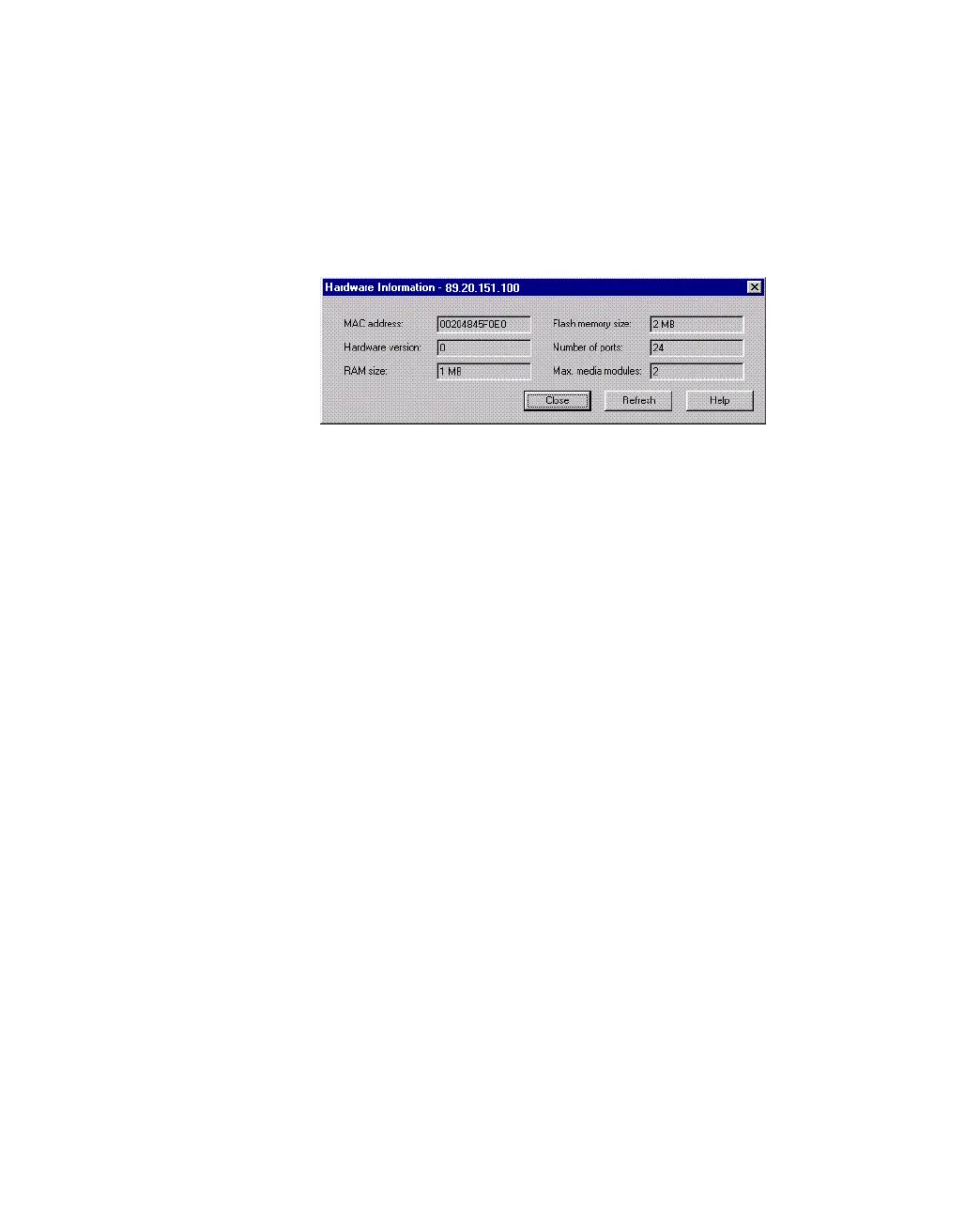
5.3.2 Hardware Details
Use the following procedure to see the MAC address, hardware version and memory size:
1. Click Monitoring>Hardware Information.
Figure 5.2 -
Hardware Information Dialog Box
2. To update the information, click Refresh.



 To Next Page