3 - 28
FORE Systems ES-2810 Ethernet Switch User's Manual
Standard Configuration
3.17 General Changes
3.17.1 Renaming a Port
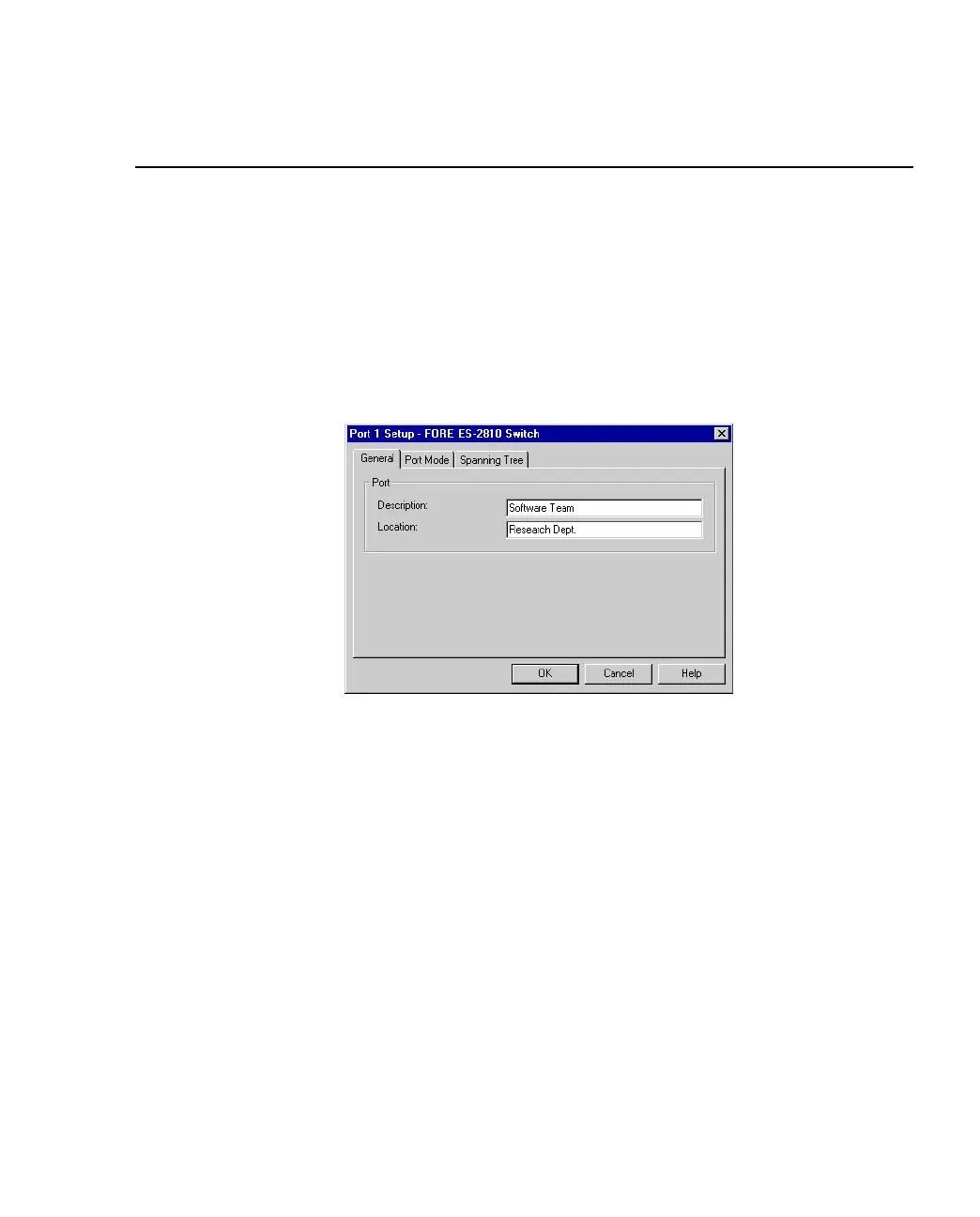
To give a port a new name, for example, its use or the user(s) connected:
1. Click the port you want to rename.
2. Select Port Setup.
3. Click General.
Figure 3.14 -
General Tab of Port Setup Dialog Box
4. In Description, type the new name.
5. Click OK.



 To Next Page