FORE Systems ES-2810 Ethernet Switch User’s Manual
2 - 25
FORE Stack View
FORE Stack View
2.11.6 Right Mouse Button Commands for a Port
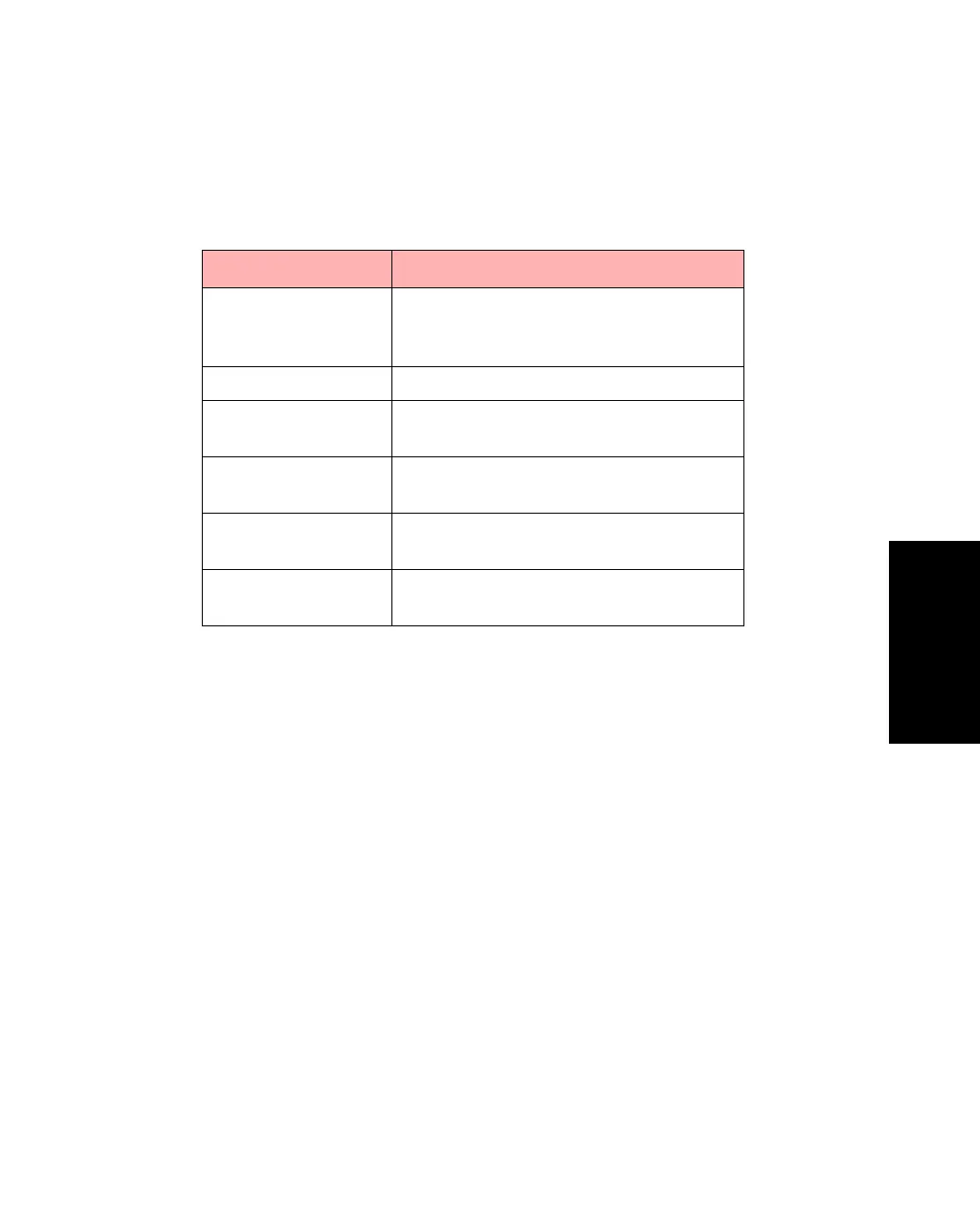
Right click a single port to access the functions described in Table 2.8.
Table 2.8 -
Right Click Command Options for Ports
Functions Description
Port Setup Displays the port status, the speed and
duplex settings, and spanning tree set-
tings.
Add Port to VLAN Adds the port to a VLAN.
Port Details Displays comprehensive performance,
distribution and spanning tree details.
Port Activity Displays, as a graph, the activity on the
port.
VLAN Port
Monitoring
Provides details about the MAC and IP
addresses on the VLANs.
RMON Statistics Provides RMON statistics for the
selected port.



 To Next Page