FORE Systems ES-2810 Ethernet Switch User’s Manual
2 - 27
FORE Stack View
FORE Stack View
2.12 Explorer
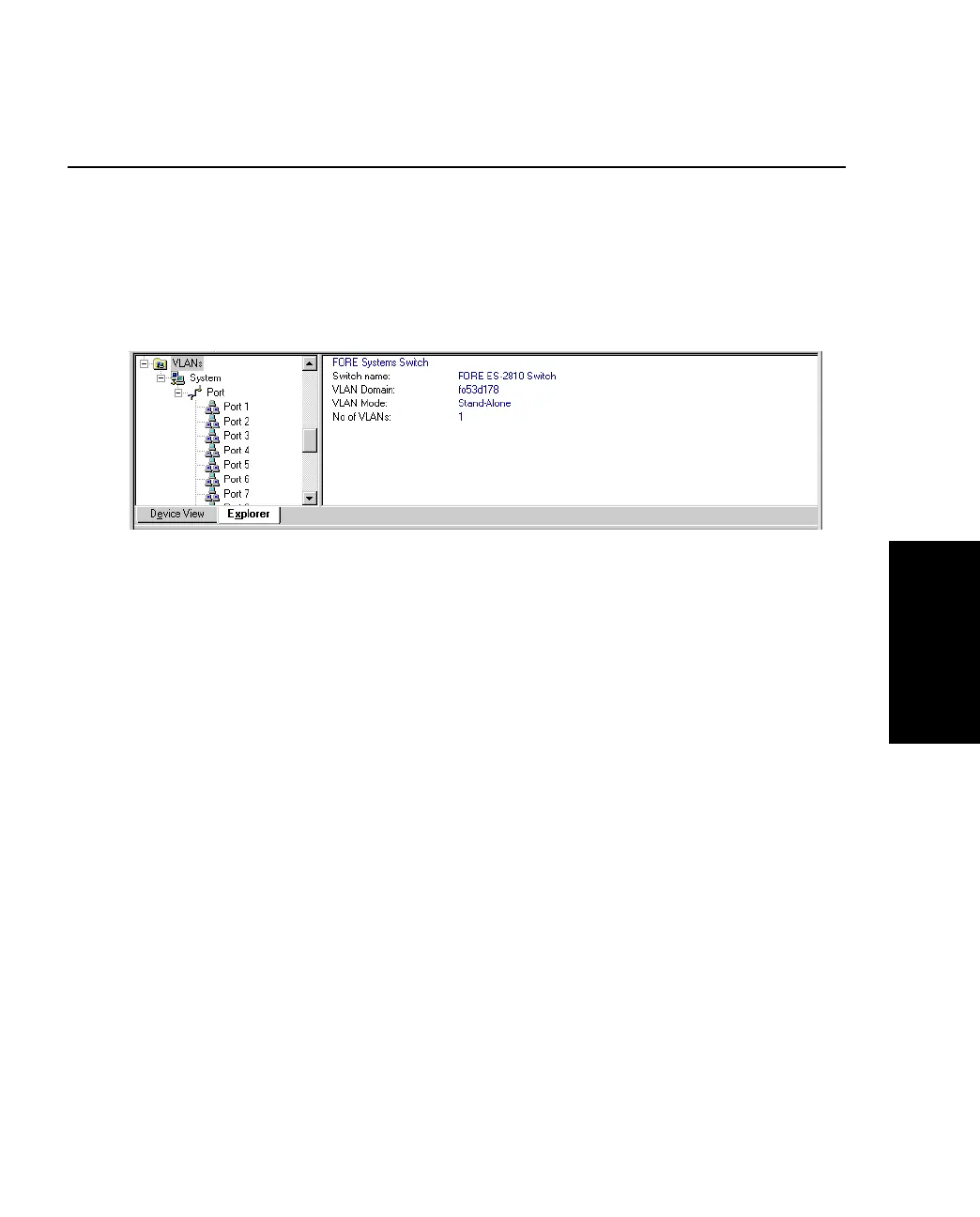
2.12.1 FORE Stack View Explorer
The Explorer within FORE Stack View displays management information, for example
VLANs on this switch and other switches.
Figure 2.12 -
The FORE Stack View Explorer
If a switch is disabled or not operational, it is displayed with a red cross through it.
General management information for the switch is accessed from the Monitoring menu.



 To Next Page