FORE Systems ES-2810 Ethernet Switch User's Manual
5 - 19
Managing the Switch
Managing the Switch
5.7 Monitoring VLANs
5.7.1 General Information
The information provided in this section is switch specific. To get information about a switch,
including switches in a stack, right-click that switch.
5.7.2 Overview of the VLANs on a Switch
Use the following procedure to view the VLANs on the switch:
1. Select VLAN>Monitoring.
This shows a full list of VLANs active on the switch or in the domain (if distrib-
uted VLAN or stand-alone for a stack). To view this window from the Explorer,
right-click the VLAN name and select Monitor.
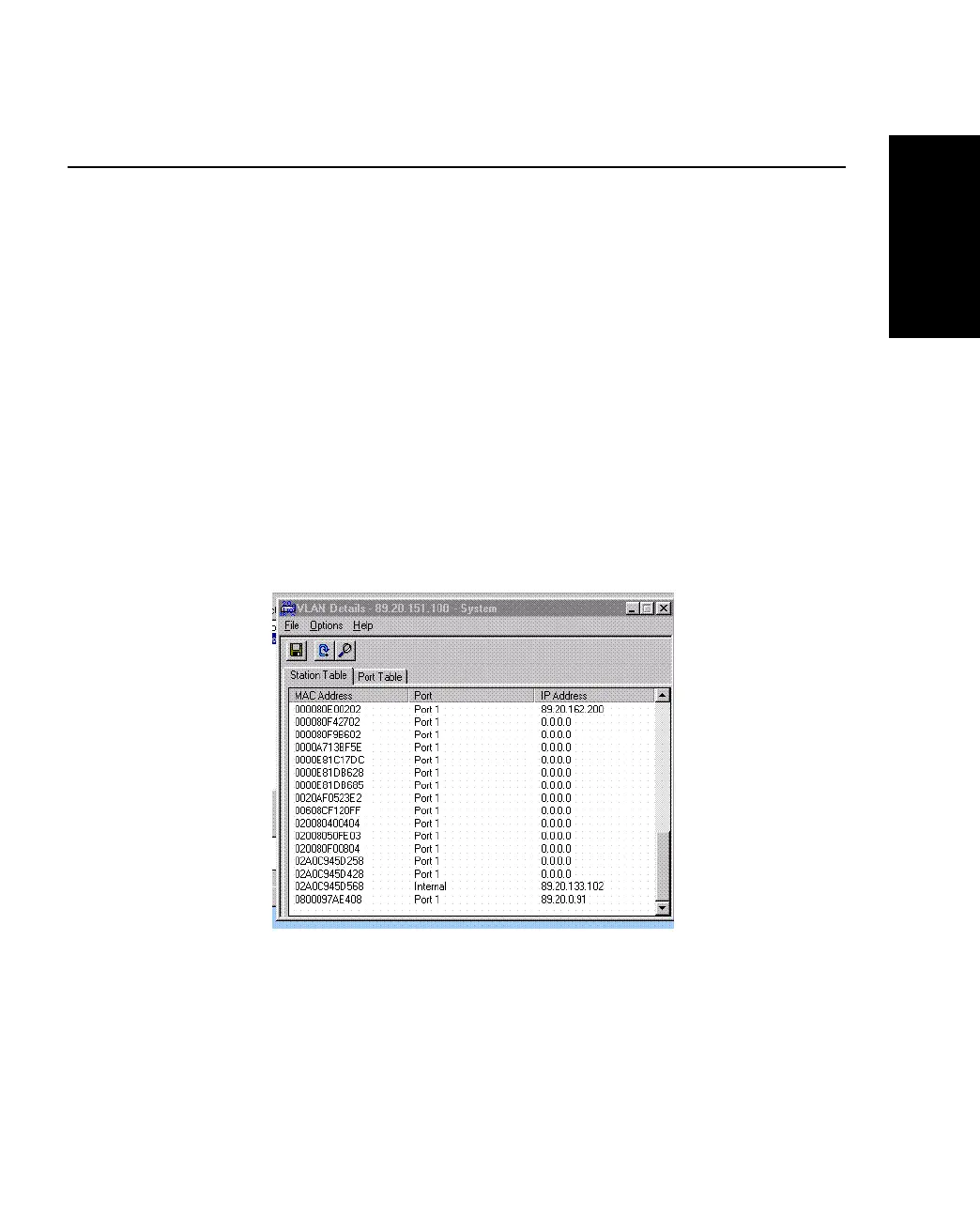
2. Click the name of the VLAN, then click Details to view details of that VLAN:
Figure 5.14 -
VLAN Details Dialog Box



 To Next Page