3 - 18
FORE Systems ES-2810 Ethernet Switch User's Manual
Standard Configuration
3.13 Switching
3.13.1 Changing the MAC Address Ageing Time
To change the time a MAC address is kept in the filter before being purged:
1. Select Device Setup or Stack Setup.
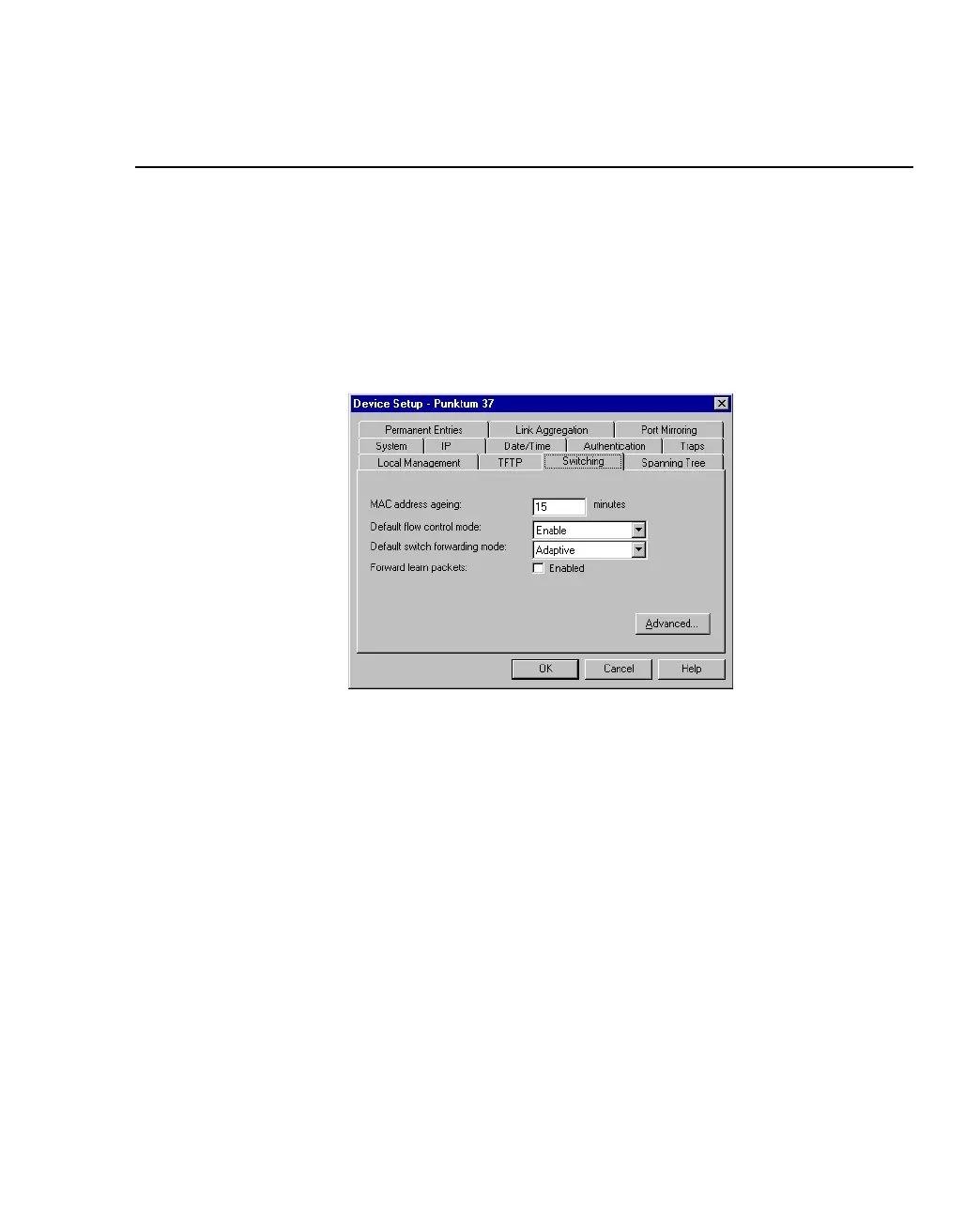
2. Click Switching.
Figure 3.10 -
Switching Tab of the Device Setup Dialog Box
3. Click MAC Address Ageing.
4. Type the required number of minutes.
5. Click OK.



 To Next Page