FORE Systems ES-2810 Ethernet Switch User's Manual
4 - 5
Advanced Configuration
Advanced
Configuration
4.2.6 Deleting a VLAN
To delete a VLAN:
1. Select VLAN Setup.
2. Click the name of the VLAN you want to delete. (Note: you cannot delete a VLAN
if it is the [Designated Management VLAN]. To do this, click another VLAN,
click Properties and then click Use this VLAN for SNMP management. You
can now delete the first VLAN.)
3. Click Delete.
4.2.7 Changing VLAN Mode
To change the mode of operation of a VLAN:
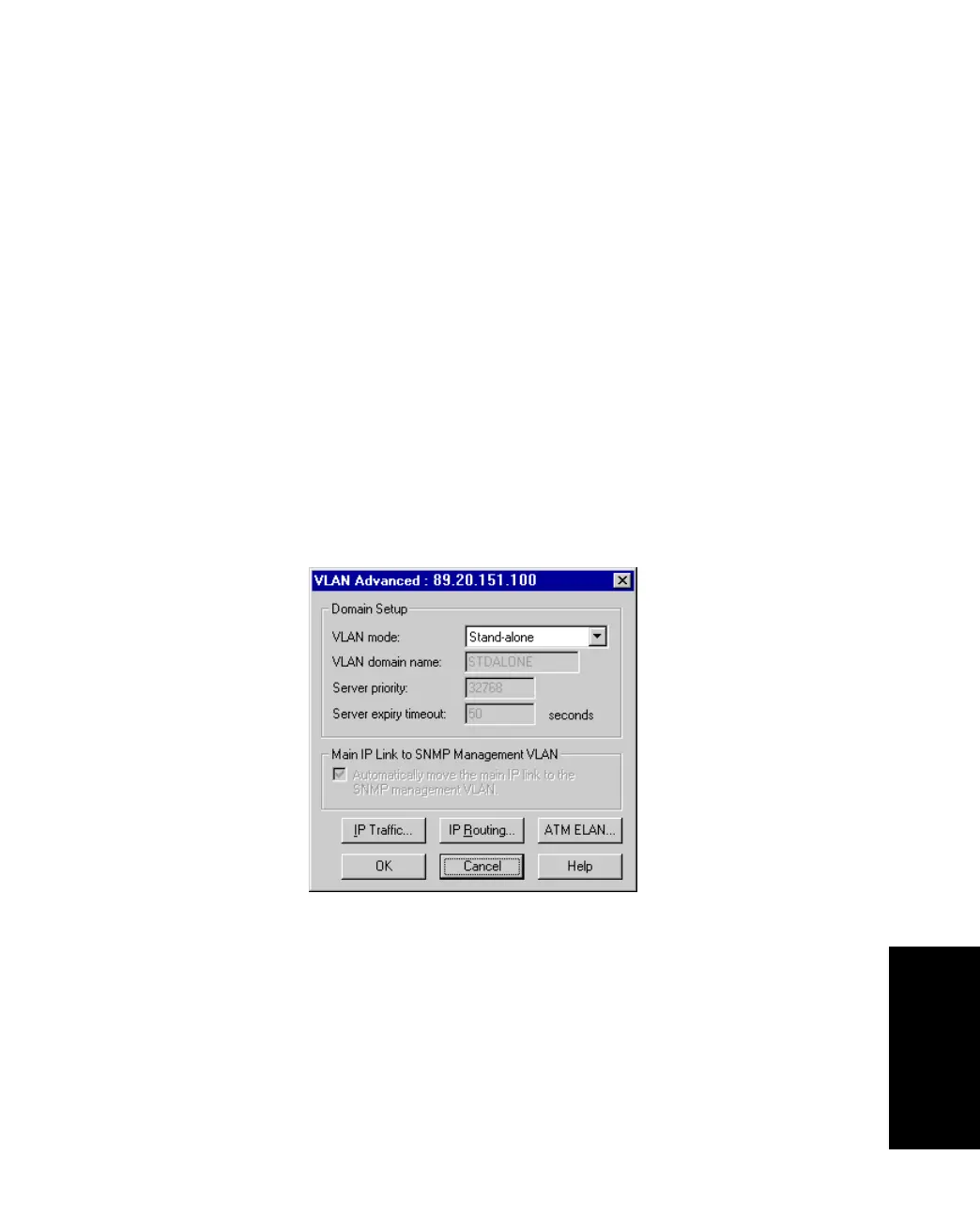
1. Select VLAN Setup.
2. Click Advanced. The VLAN mode is shown.
Figure 4.2 -
VLAN Advanced Dialog Box



 To Next Page