A - 24
FORE Systems ES-2810 Ethernet Switch User’s Manual
Concepts in Switching
A.7.2.5 Port States When Enabled
Each switch is identified by a switch ID, and each port (interface) on a switch is identified by a
Port ID.
Ports can be either disabled or enabled. Ports which are enabled can be in one of the following
states:
Listening Switches send messages to one another to establish
the network topology and the optimal paths to the
different segments of the network. Other data is not
transmitted.
Blocking The switch enters the Blocking State if a path with
higher priority is found to exist during the Listening
State. Normal data is not transmitted.
Learning The switch enters the Learning State if no path with a
higher priority is found during the Listening State.
Learned entries are entered in the Unicast
Destination Forwarding Table. Normal data is not
transmitted.
Forwarding The switch enters the Forwarding State after having
been in the Learning State for a predefined time
period. Normal data is transmitted.
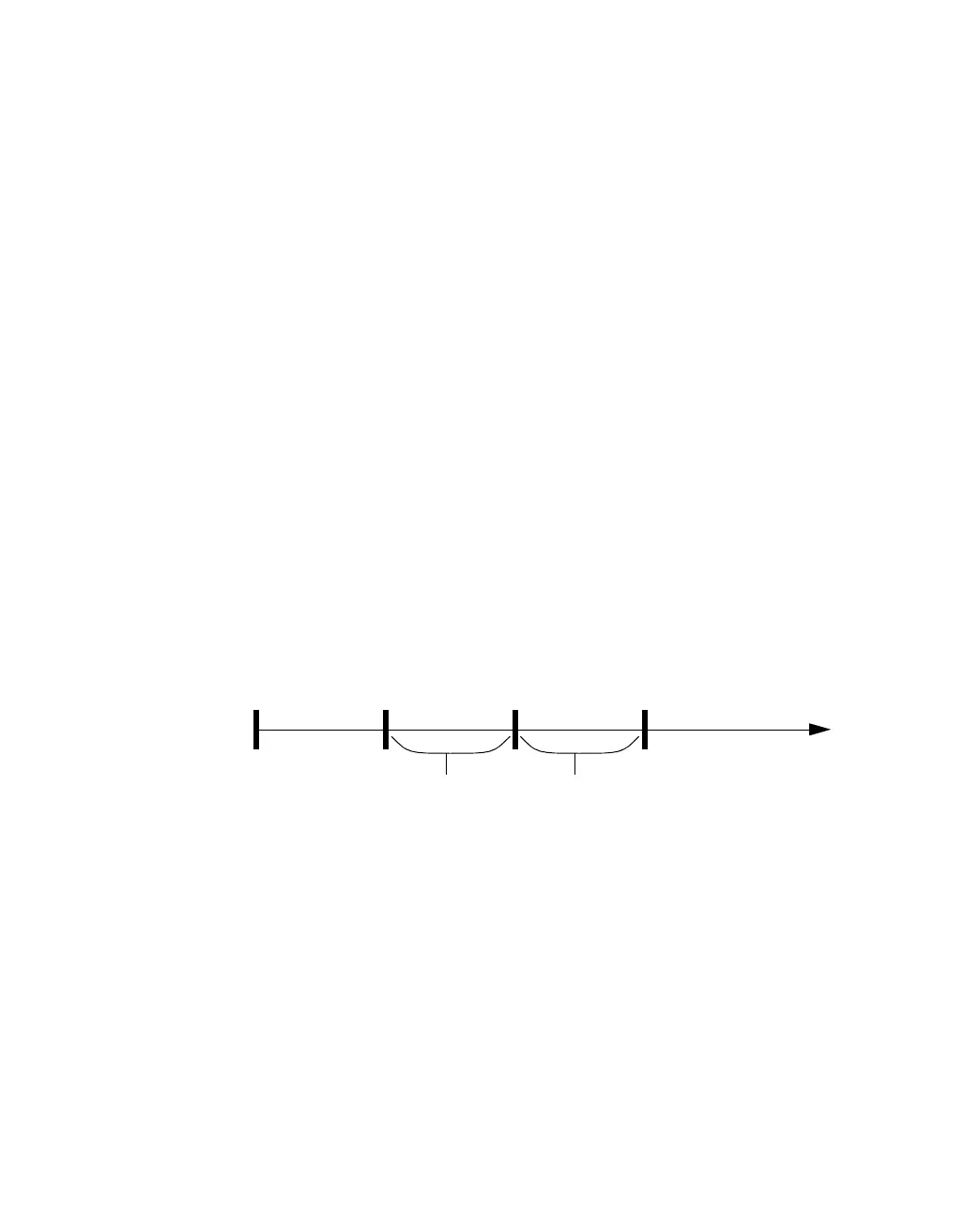
Figure A.5 -
Port States
A.7.2.6 Disabled Ports
Ports which are disabled do not adapt to solve the problem network loops using the Spanning
Tree Protocol.
Blocking Listening Learning Forwarding
Forward
Delay
Forward
Delay



 To Next Page