2 - 20
FORE Systems ES-2810 Ethernet Switch User’s Manual
FORE Stack View
2.11 Device View (Main Display)
2.11.1 Switch Contacted
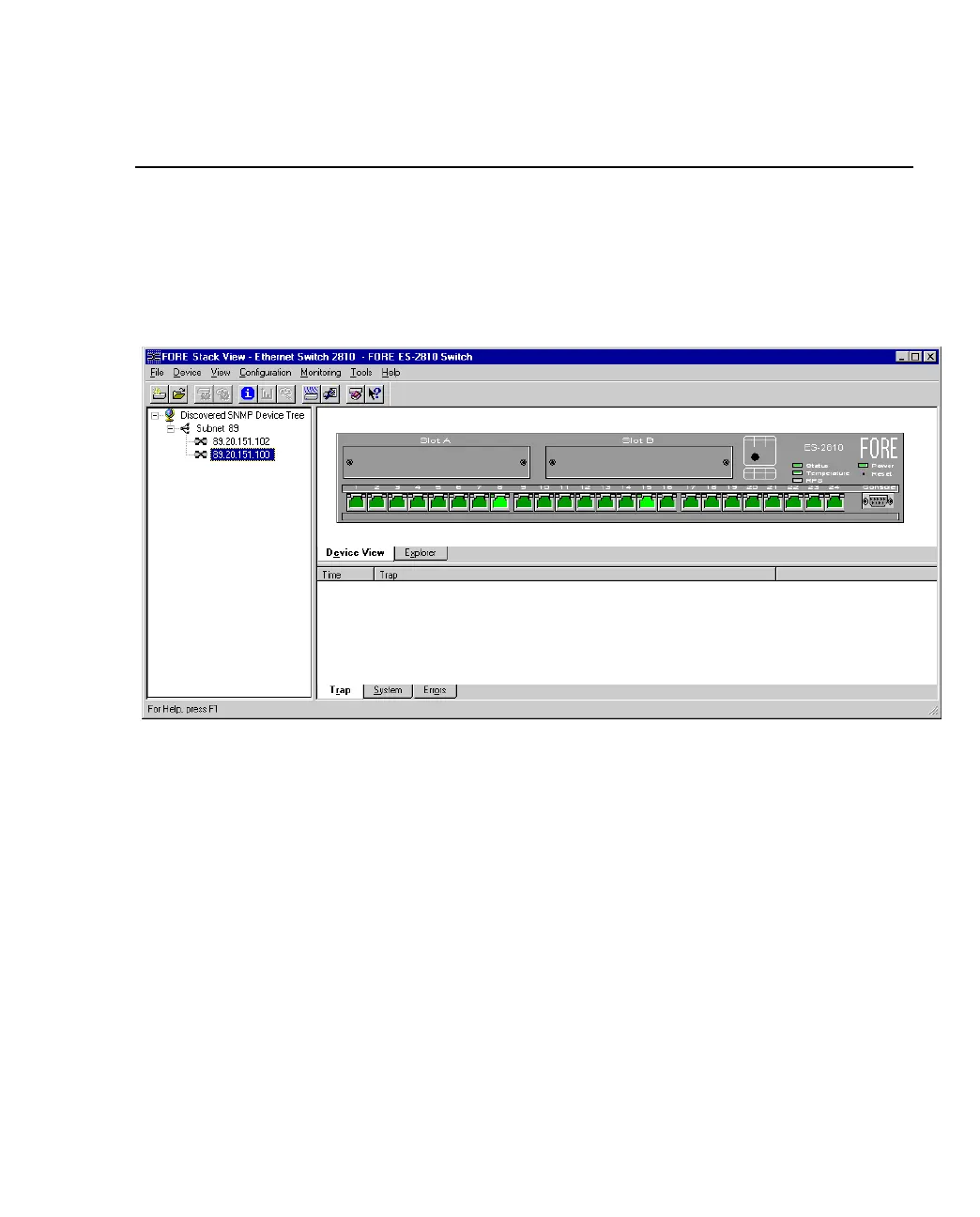
When FORE Stack View contacts the switch or stack, the front (interface side) of the switch or
stack is displayed.
Figure 2.11 -
Switch Display in FORE Stack View
This view provides a real-time view of the switch, or stack and ports, which behaves in the
same way as the physical switch. For example, the LEDs change color according to the state of
the switch/stack. You can fully manage the switch or stack using this display.



 To Next Page