FORE Systems ES-2810 Ethernet Switch User's Manual
3 - 11
Standard Configuration
Standard
Configuration
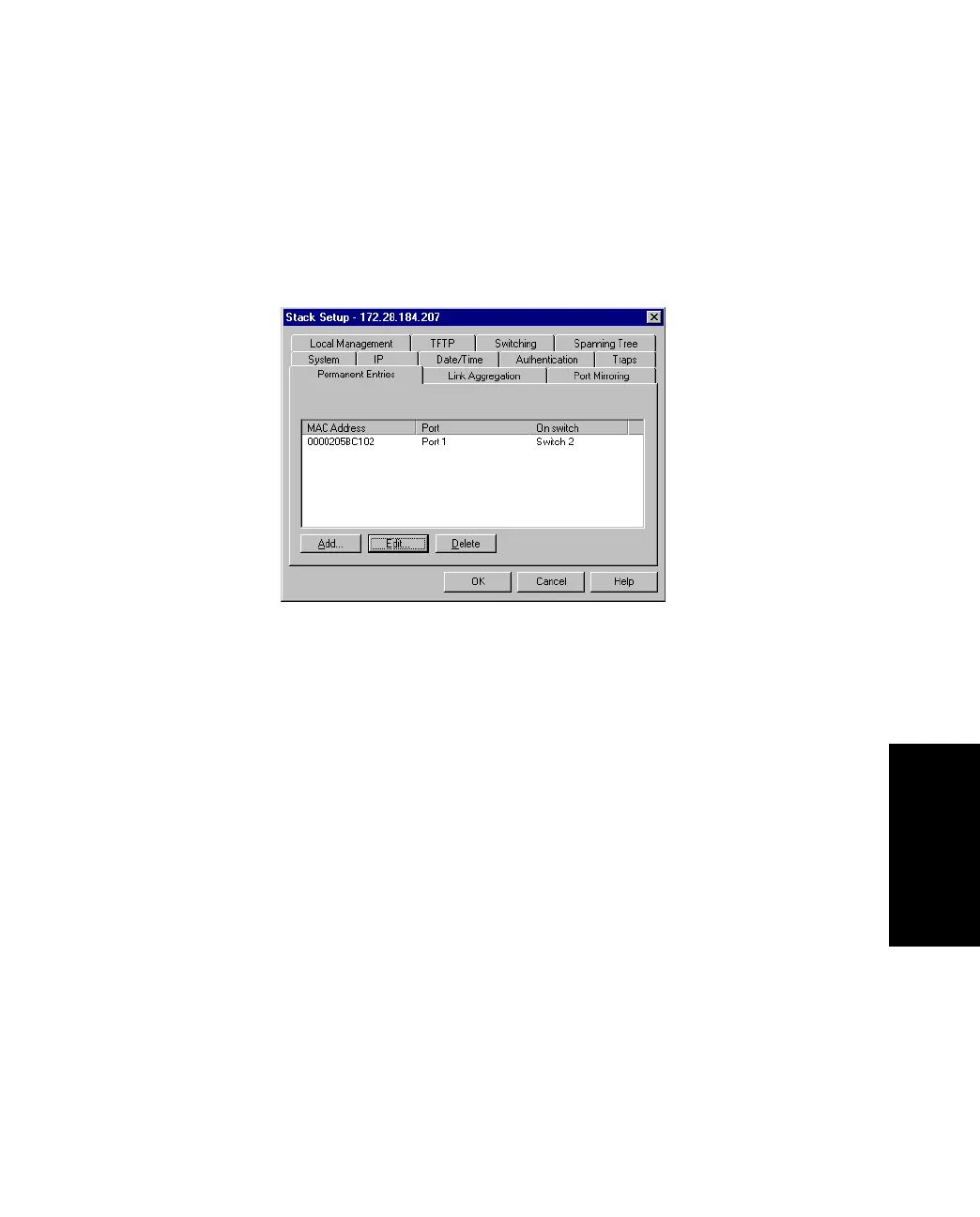
3.8.2 Adding a Permanent Entry
To add a device to the switch’s address table:
1. Select Device Setup or Stack Setup.
2. Click Permanent Entries.
Figure 3.6 -
Permanent Entries Tab of the Stack Setup Dialog Box
3. Click Add.
4. Type the device’s MAC address.
5. Click Port number and select one. A permanent entry is only made on the
defined port.
6. Click OK.



 To Next Page