FORE Systems ES-2810 Ethernet Switch User's Manual
3 - 21
Standard Configuration
Standard
Configuration
3.14.2 Changing the Time to Measure Errors
The sample time should be the shortest time needed to detect errors. If the sample time is too
great, there may be too many errors before the forwarding mode changes. To change the time
the switch retains error counters:
1. Select Device Setup or Stack Setup.
2. Click Switching.
3. Click Advanced.
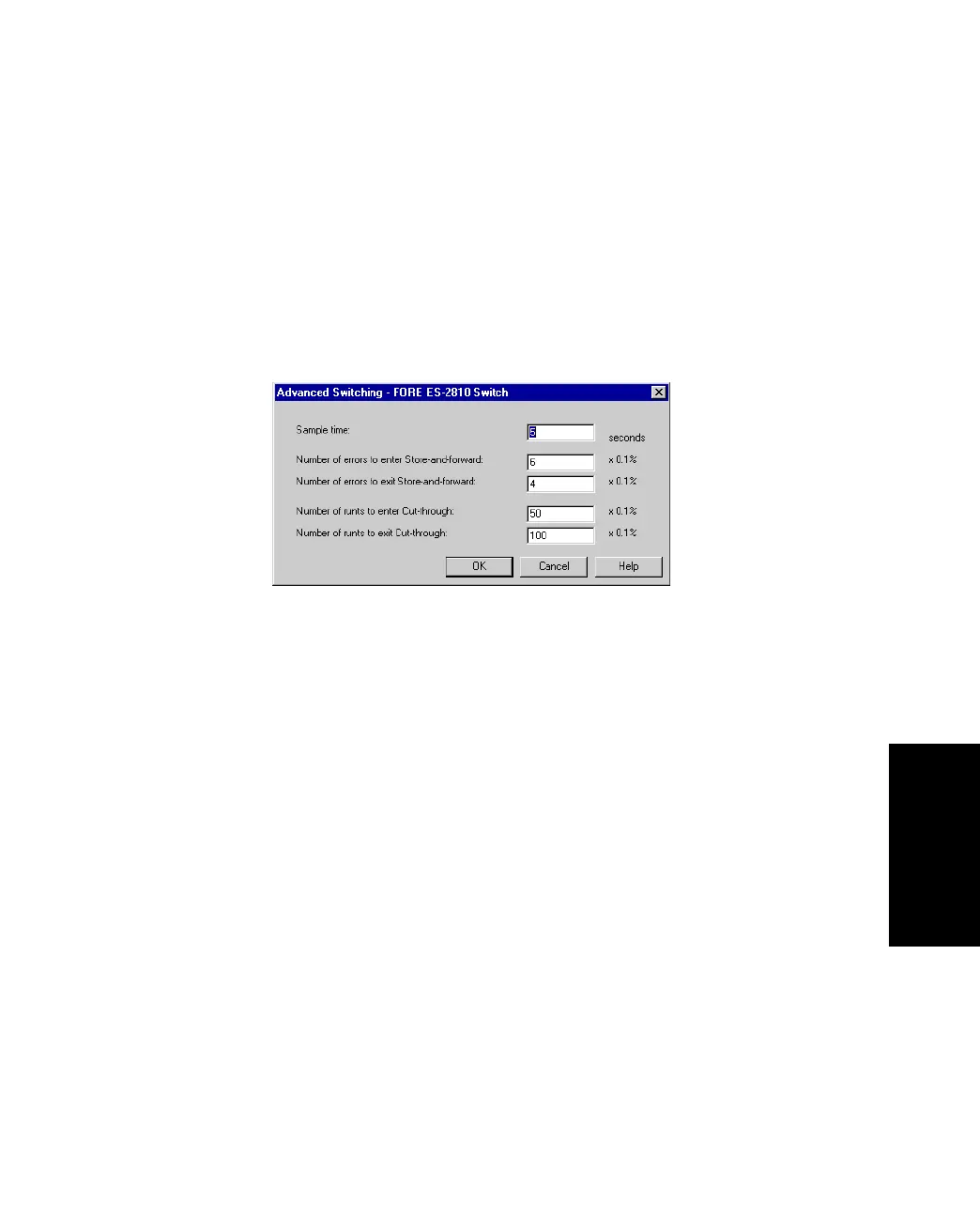
Figure 3.11 -
Advanced Switching Dialog Box
4. Click Sample Time.
5. Type the required number of seconds.
6. Click OK.



 To Next Page