2 - 14
FORE Systems ES-2810 Ethernet Switch User’s Manual
FORE Stack View
2.9.4 Matrix Module Connected to a New Switch
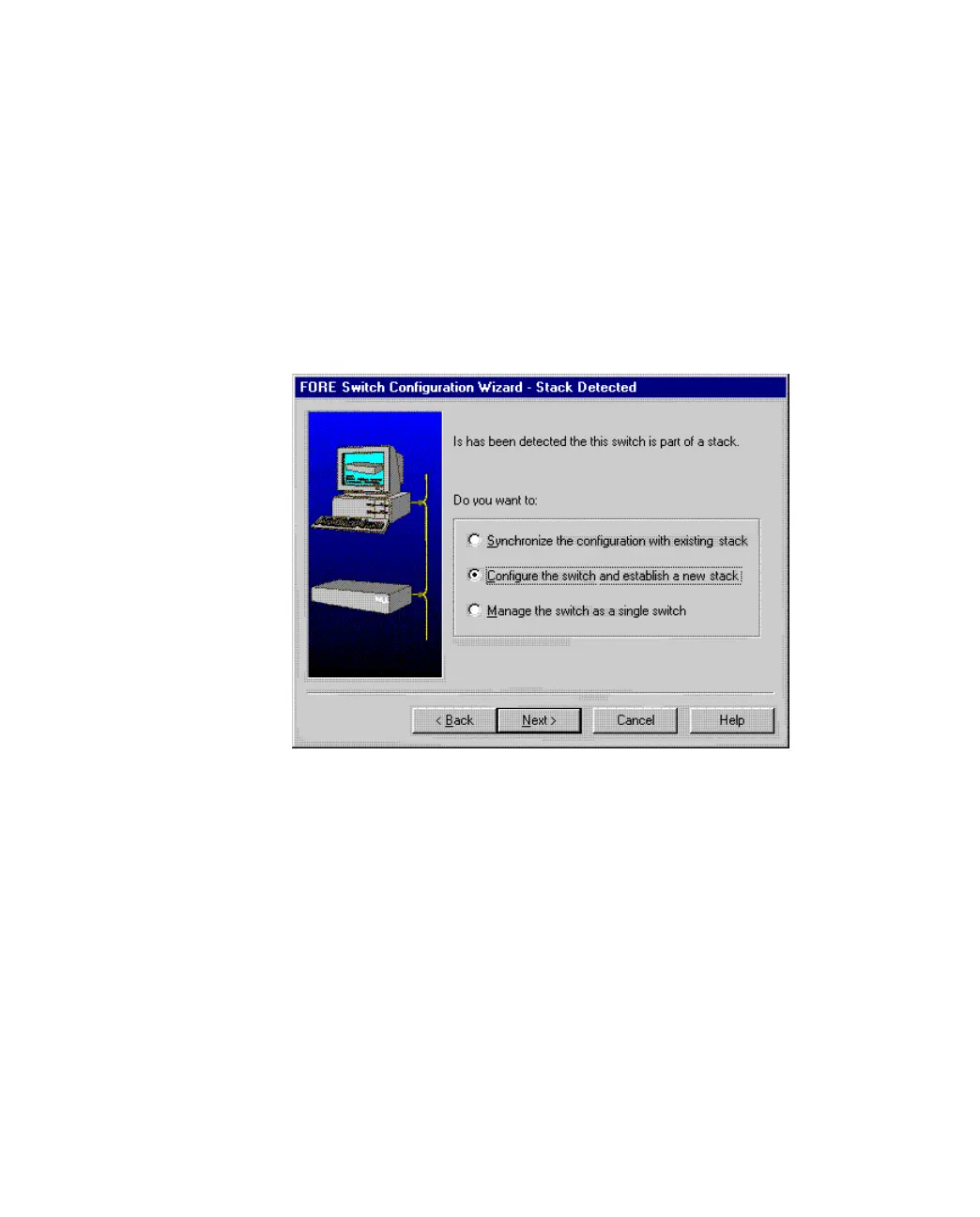
When the Install wizard detects that a new switch is connected to a Matrix Module, a message
(shown in Figure 2.7) informs that you must decide how to manage the switch.
• If you want to manage it separately, the installation is completed and the switch is
displayed in the FORE Stack View window.
• If you want to manage it as part of a stack, you have the opportunity to assign
consecutive IP addresses in the next dialog.
Figure 2.7 -
Install Wizard New Switch Message



 To Next Page