FORE Systems ES-2810 Ethernet Switch User's Manual
5 - 7
Managing the Switch
Managing the Switch
5.4.5 Monitoring the Spanning Tree Statistics
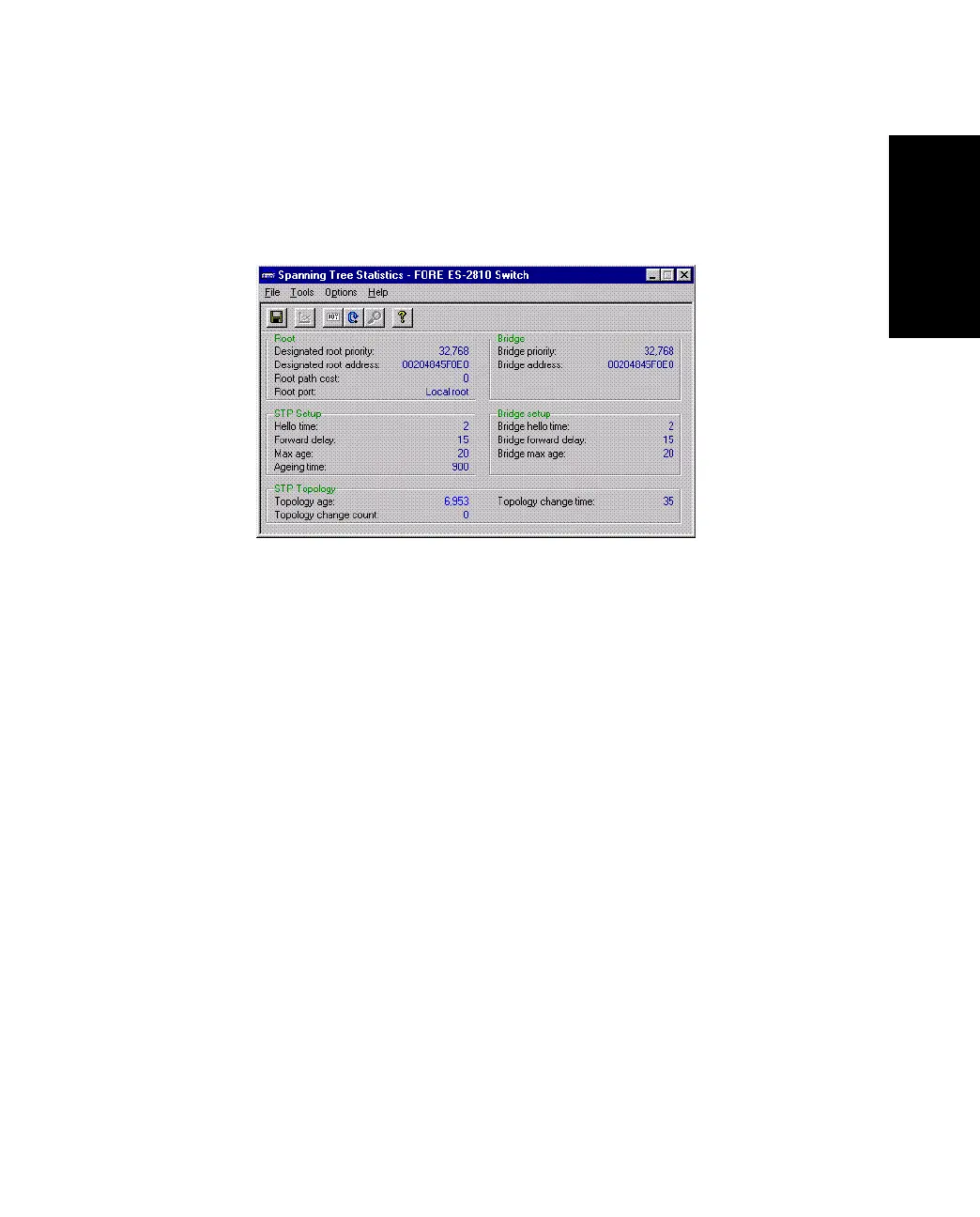
To view the spanning tree statistics for the whole switch, select Spanning Tree Statis-
tics. The Spanning Tree Statistics dialog box appears, as shown in Figure 5.4.
Figure 5.4 -
Spanning Tree Statistics Dialog Box



 To Next Page