5 - 22
FORE Systems ES-2810 Ethernet Switch User's Manual
Managing the Switch
5.7.4 Information About VLAN Configuration
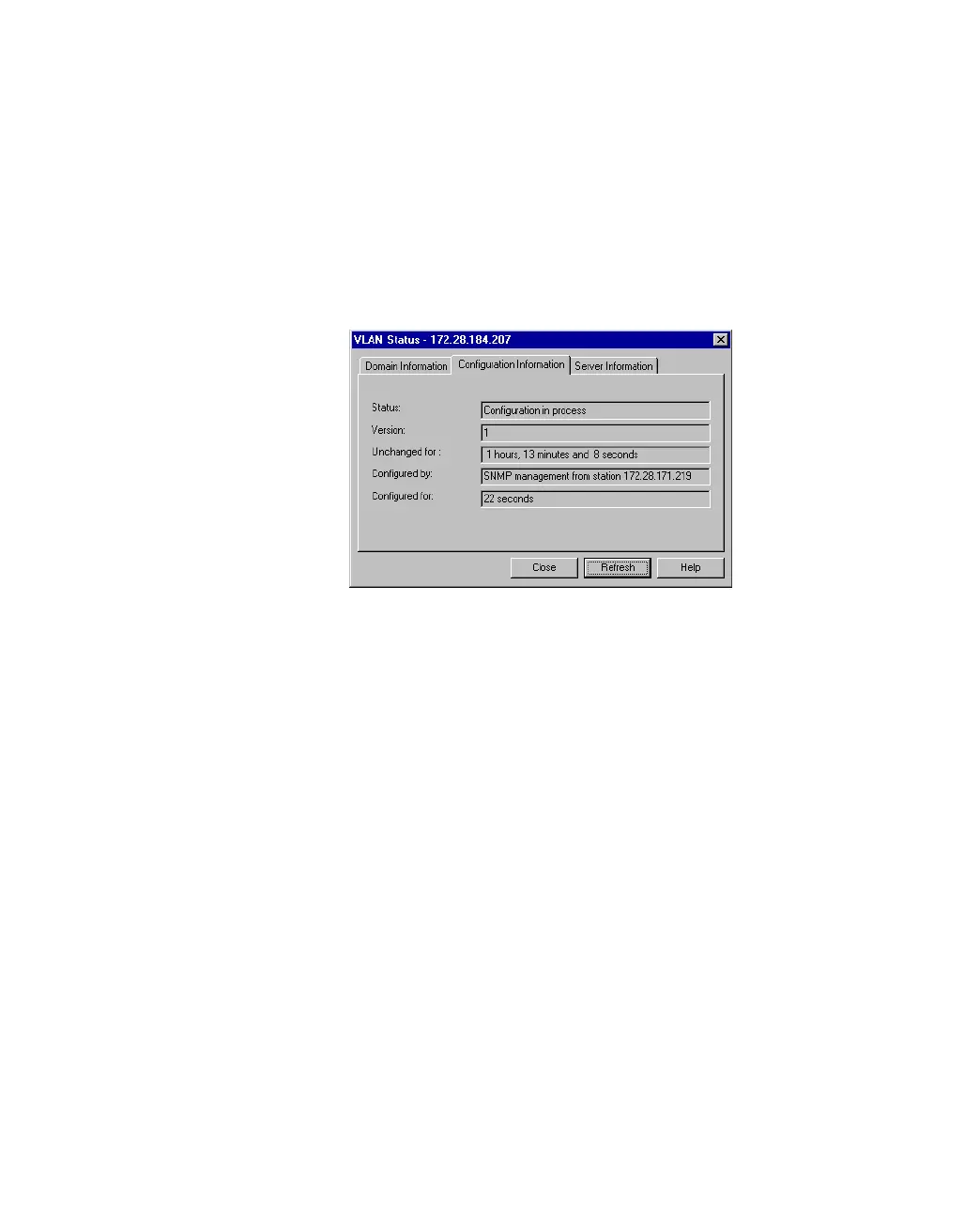
Use the following procedure to see if another user is configuring the VLANs, view the version
number of the VLAN configuration or the time this configuration has been running:
1. Select VLAN>Status.
2. Click Configuration Information
Figure 5.16 -
Configuration Information Tab of the VLAN Status Dialog Box
The bottom 2 lines in this window are not displayed when the status is idle, for
example nobody is editing the VLAN.



 To Next Page