FORE Systems ES-2810 Ethernet Switch User’s Manual
2 - 11
FORE Stack View
FORE Stack View
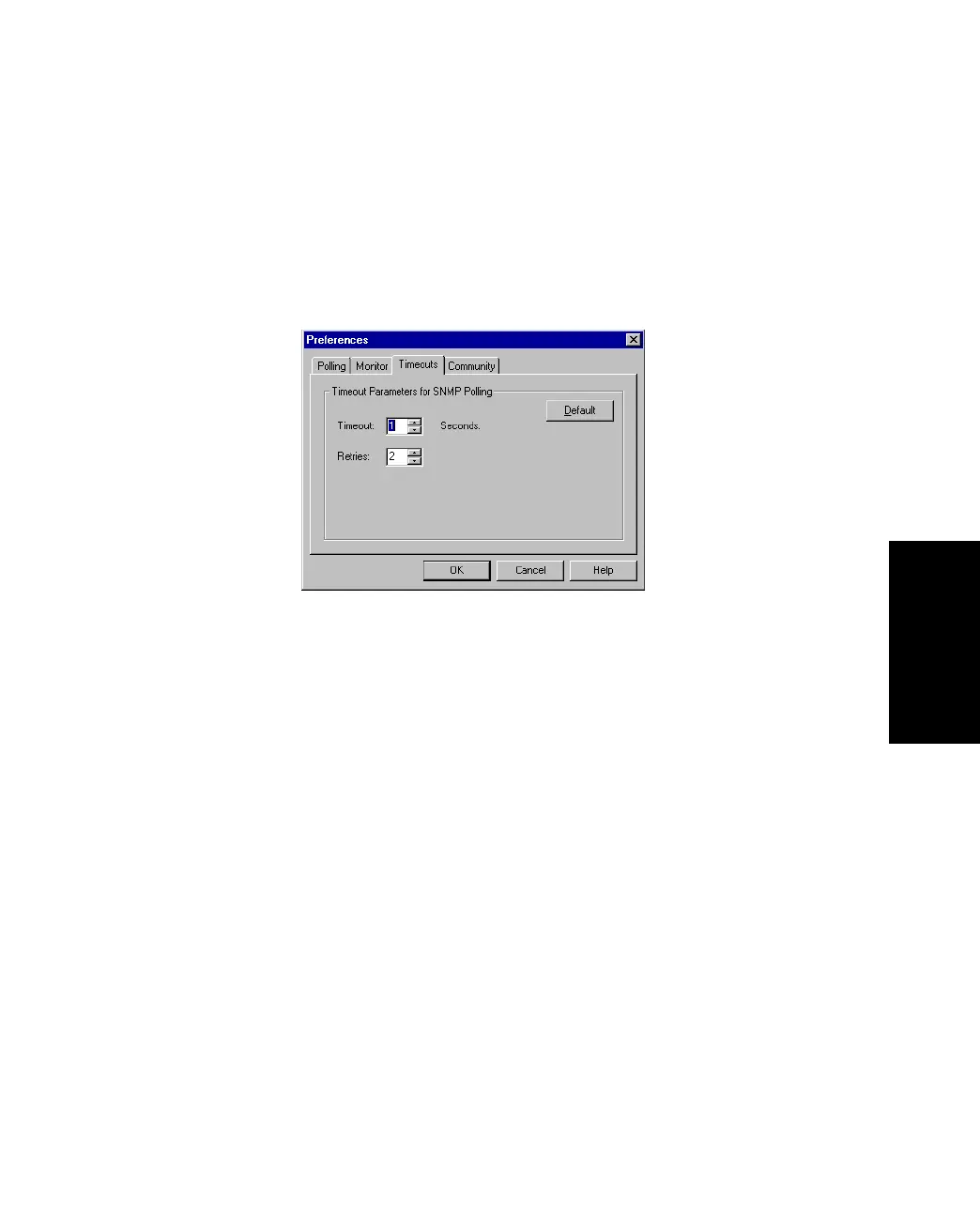
2.8.2 Setting the Timeout Parameters for SNMP
The timeout determines the intervals between polling and the number of times the request is
retried if a device is not responding. To change the timeout parameters:
1. Select Monitoring>Preferences.
2. Click Timeouts.
Figure 2.4 -
Timeouts Tab of the Preferences Dialog Box
3. Change the values.
4. Click OK.



 To Next Page