5 - 12
FORE Systems ES-2810 Ethernet Switch User's Manual
Managing the Switch
5.6 Monitoring the Stack’s Performance
5.6.1 Monitoring the Health of the Stack
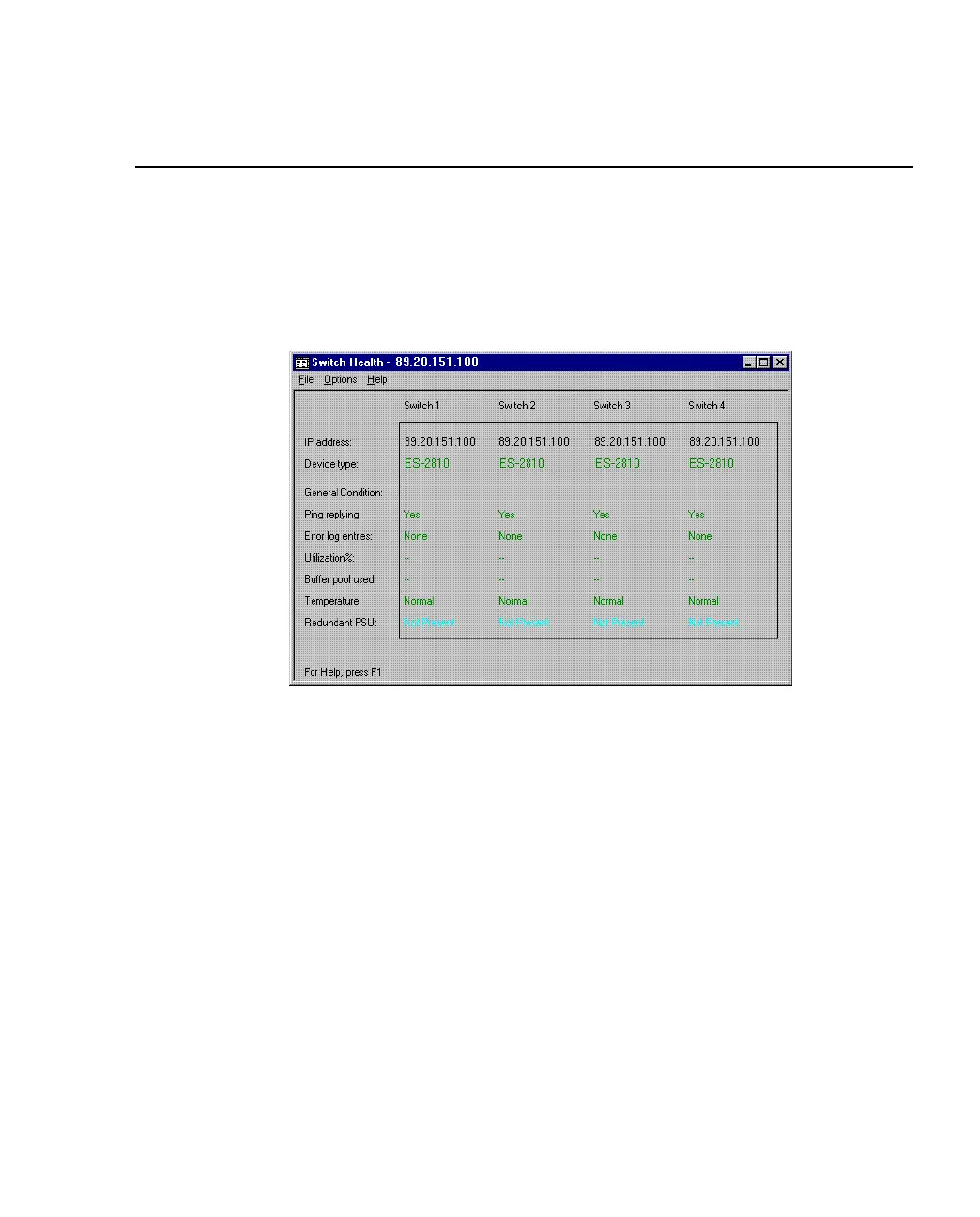
The Stack Health Monitor provides an overall status for the switches in the stack. To view the
health of the stack, right-click the stack border and select Stack Health Monitor.
Figure 5.7 -
Switch Health Dialog Box
If the condition of any of the switches changes, the changes are displayed on screen.



 To Next Page