FORE Systems ES-2810 Ethernet Switch User's Manual
5 - 25
Managing the Switch
Managing the Switch
5.8 Monitoring the Port’s Performance
5.8.1 Using the LEDs
Using the Device View of the switch, the different colored LEDs on the ports indicate the dif-
ferent states of activity. Select Help>Display Legend for further information on LED states.
5.8.2 Monitoring the Performance of a Port
Use the following procedure to monitor the performance of a specific port:
1. Right-click the port.
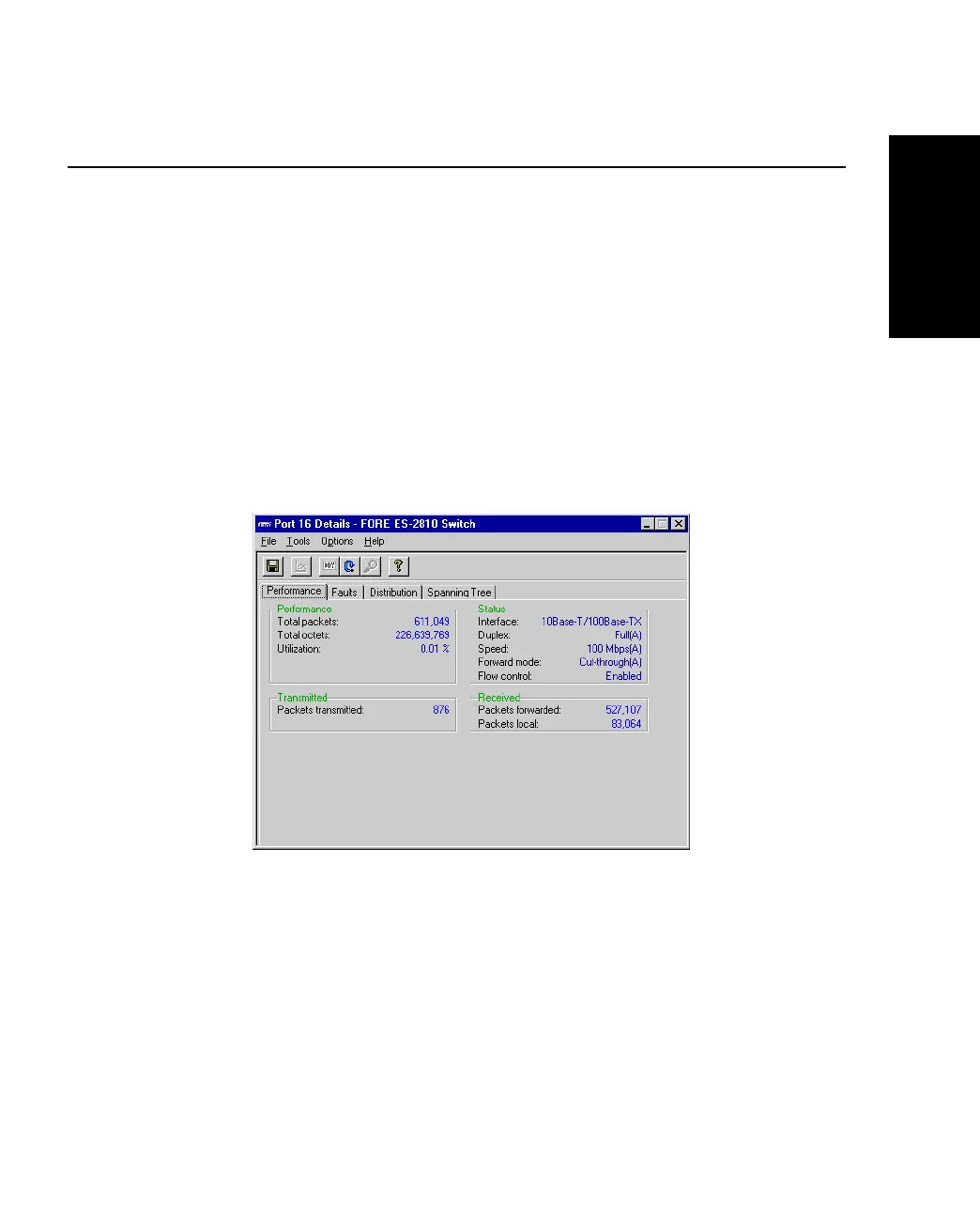
2. Select Port Details>Performance.
Figure 5.18 -
Performance Tab of the Port Details Dialog Box
This table shows the total number of frames and bytes, utilization of the ports and
the number of packets transmitted and received.
3. To change the display from numerical to graphical, click one or more of the num-
bers and select Tools>Graph.
4. Select Options>Reset Counters to set all these counters to zero.



 To Next Page