FORE Systems ES-2810 Ethernet Switch User's Manual
3 - 9
Standard Configuration
Standard
Configuration
3.7.2 Adding a Trap
NOTE
If there are no entries in the Traps list, then no
SNMP traps are sent.
1. Select Device Setup or Stack Setup.
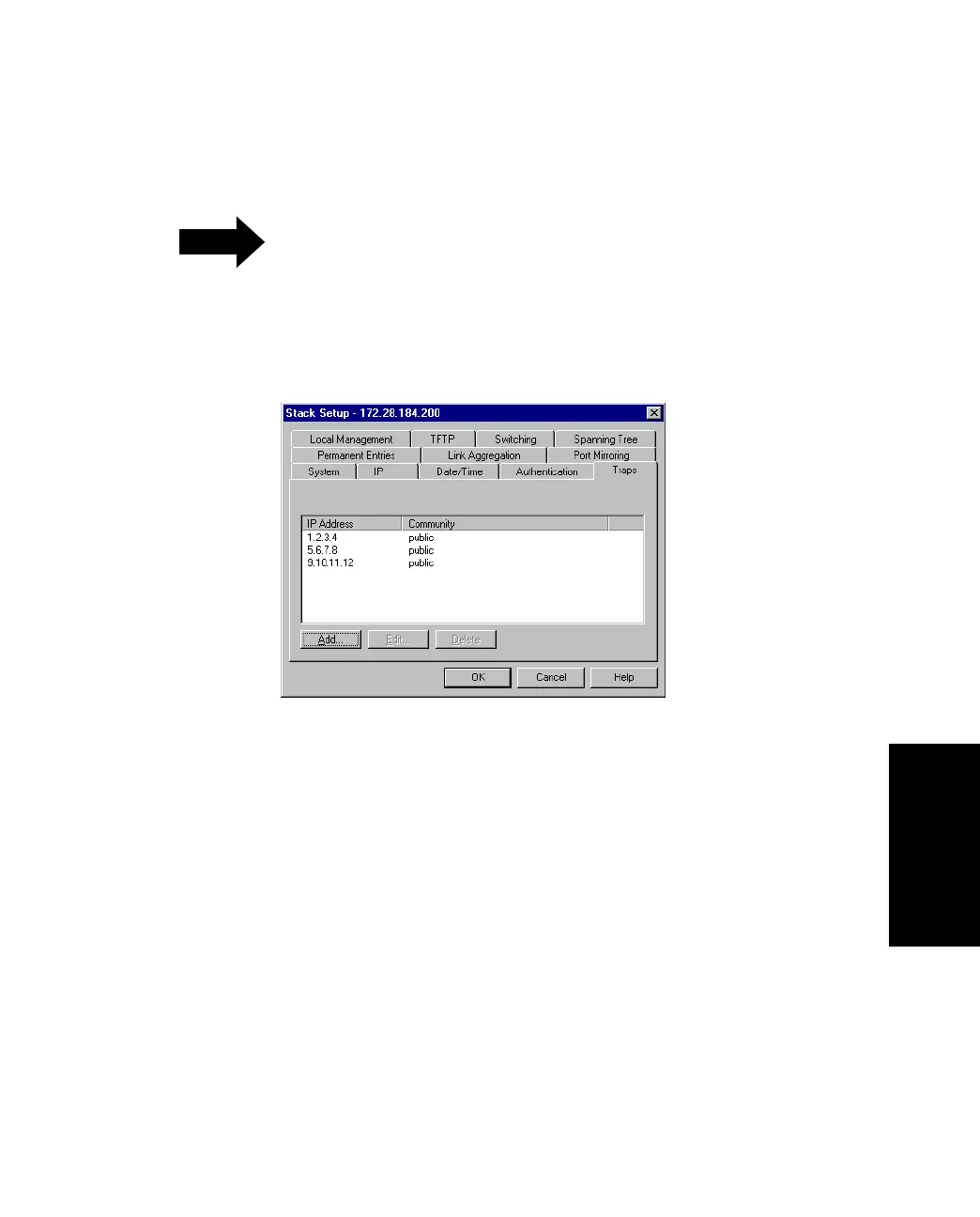
2. Click Traps.
Figure 3.5 -
Traps Tab of the Stack Setup Dialog Box
3. Click Add.
4. Type the Destination IP address, or click This PC.
5. Type the community (SNMP password).
6. Click OK.



 To Next Page