A - 4
FORE Systems ES-2810 Ethernet Switch User’s Manual
Concepts in Switching
A.1.8 Store-and-forward Forwarding
Store-and-forward forwarding temporarily stores a packet and checks it against the CRC field.
If the packet is error free, it is forwarded; otherwise, it is discarded.
Store-and-forward forwarding is therefore the best forwarding mode to prevent errors being
forwarded throughout the network. The buffering used by store-and-forward also allows the
switch to dispatch packets at a different rate than it receives them—for example, to forward
packets from a 10Mbps network to higher speed networks such as a 100Mbps Ethernet.
A.1.9 Adaptive Forwarding
Adaptive forwarding mode is a user-defined facility to maximize the efficiency of the switch.
Adaptive forwarding starts in the default switch forwarding mode you have selected in the
Switch & Port window (cut-through if you selected adaptive mode as the default forward-
ing mode). Depending on the number of runts and CRC errors at that port, the mode changes
to the “best” of the other two forwarding modes. As the numbers of runts and CRC errors
change, so does the forwarding mode. This is best illustrated by:
NOTE
While CRC errors and runts are the most likely
parameters to cause the forwarding mode to
change, they are not the only ones.
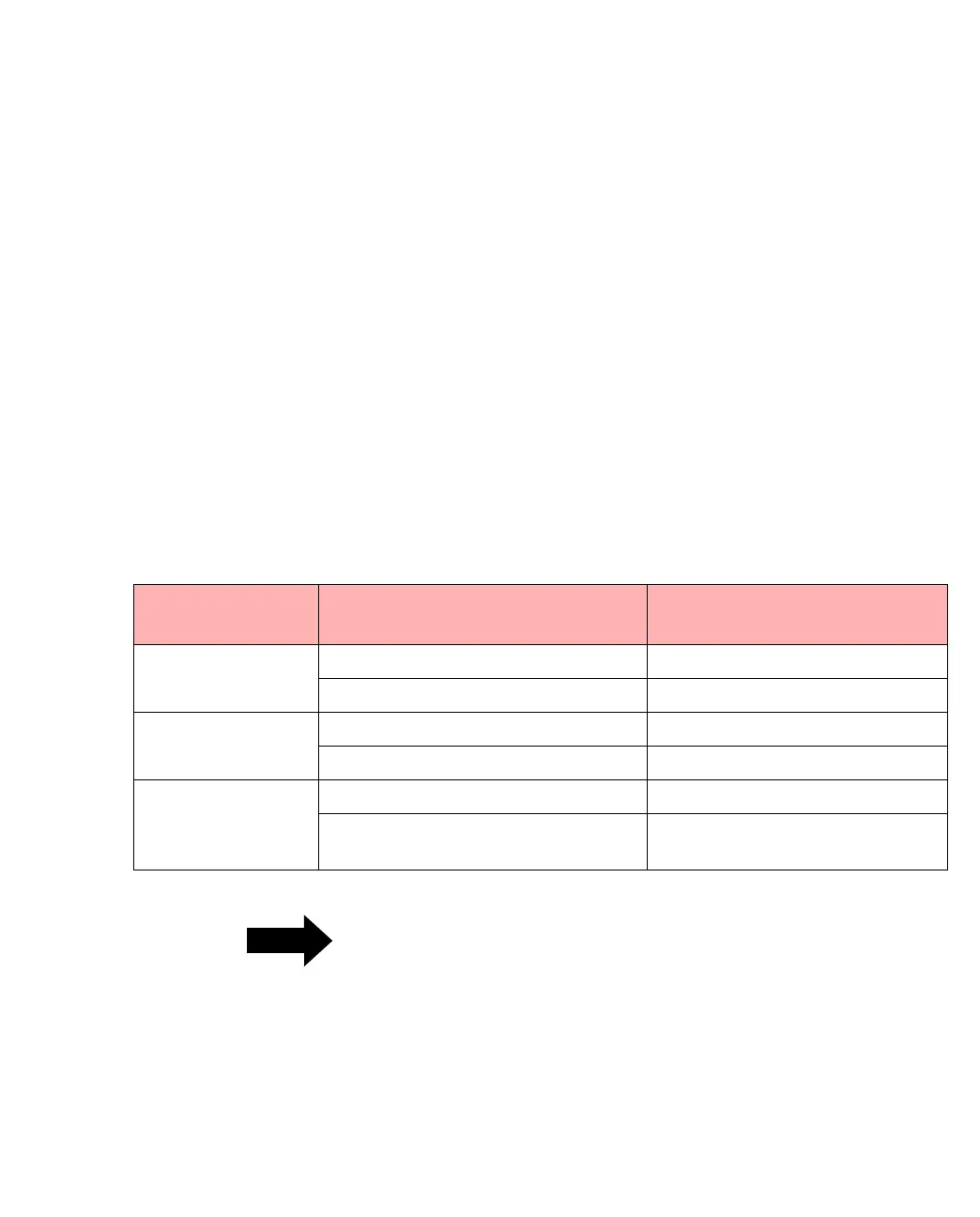
Table A.1 -
Adaptive Forwarding Modes
Forwarding mode: Detects:
Then, adaptive mode changes
the forwarding mode to:
Cut-through High numbers of CRC errors Store-and-forward
High numbers of runts Fragment-free
Fragment-free High numbers of CRC errors Store-and-forward
Low numbers of runts Cut-through
Store-and-forward Low numbers of CRC errors Fragment-free
Low numbers of CRC errors and
runts
Cut-through



 To Next Page