2 - 12
FORE Systems ES-2810 Ethernet Switch User’s Manual
FORE Stack View
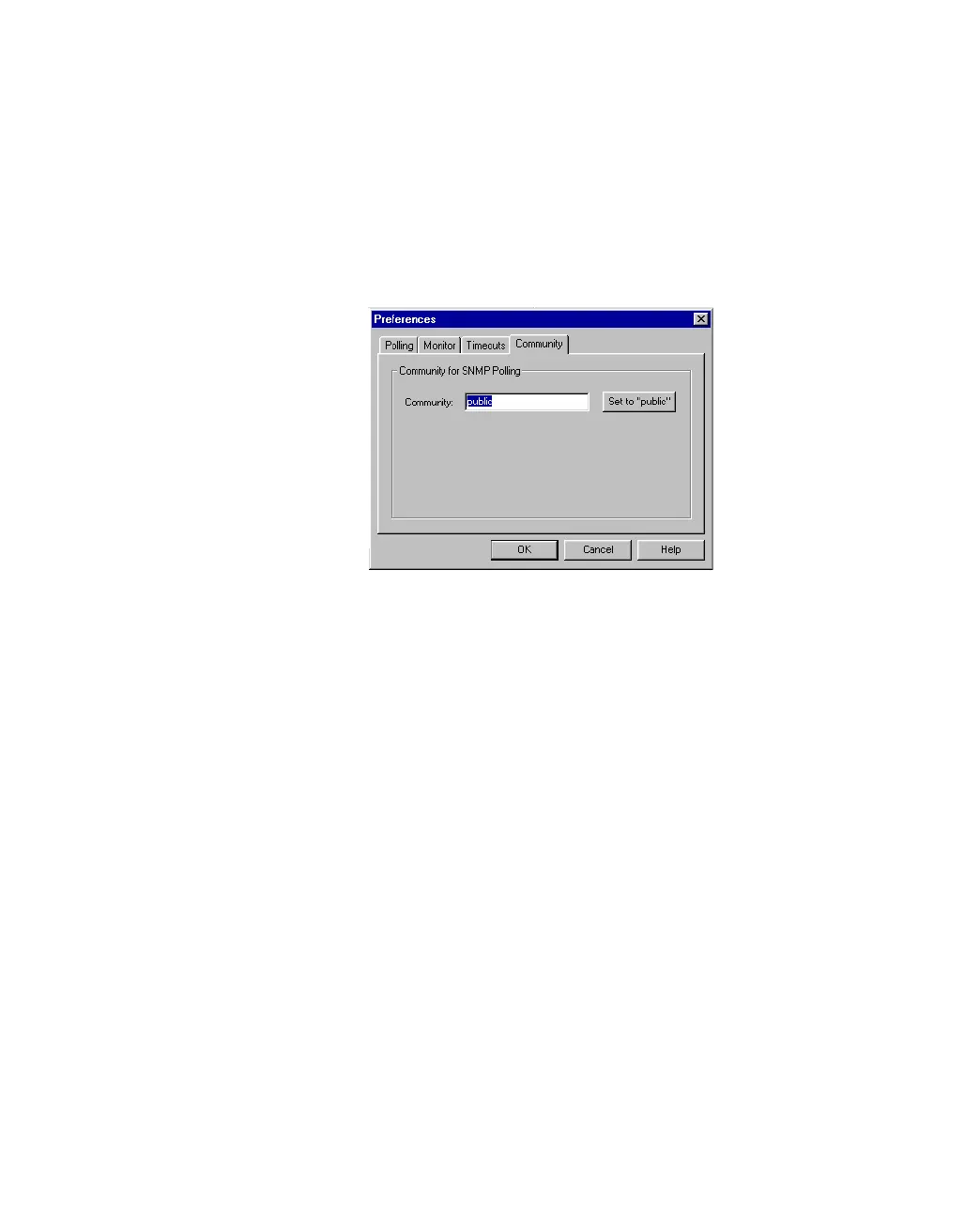
2.8.3 Setting the Community for SNMP Polling
The community for SNMP polling determines access rights. To change the community:
1. Select Monitoring>Preferences.
2. Click Community.
Figure 2.5 -
Community Tab of the Preferences Dialog Box
3. Type the new community name.
4. Click OK.



 To Next Page