FORE Systems ES-2810 Ethernet Switch User's Manual
3 - 5
Standard Configuration
Standard
Configuration
3.5 Local Time Configuration
3.5.1 Setting the Date and Clock to Local Time
To change the clock in the switch to your local time:
1. Select Device Setup or Stack Setup.
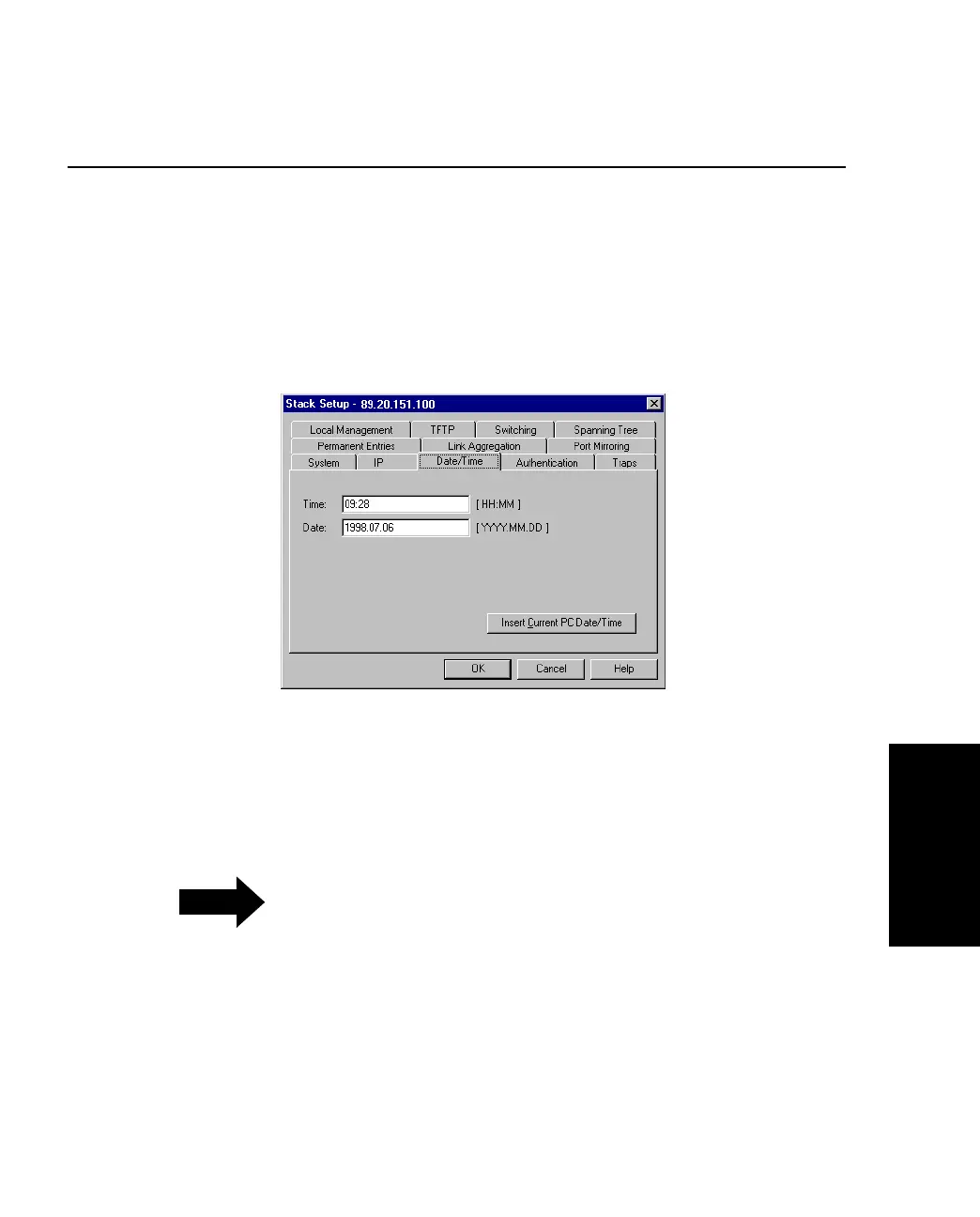
2. Click Date/Time.
Figure 3.3 -
Date/Time Tab of the Stack Setup Dialog
3. Click Insert Current PC Date/Time to show the present settings. If this is
satisfactory, click OK.
NOTE
The clock displays the time at which it is
accessed and not the current time.
4. If the time or the date is not satisfactory, click the date and/or time options and
type the new time and date.
5. Click OK.



 To Next Page