1 - 22
FORE Systems ES-2810 Ethernet Switch User’s Manual
Introduction to the ES-2810
1.10.3 Port Status Button
To see the speed and duplex settings of all the ports, press the Port Status button. The
function of the port LEDs changes for a period of 5 seconds, where they have the following
meaning:
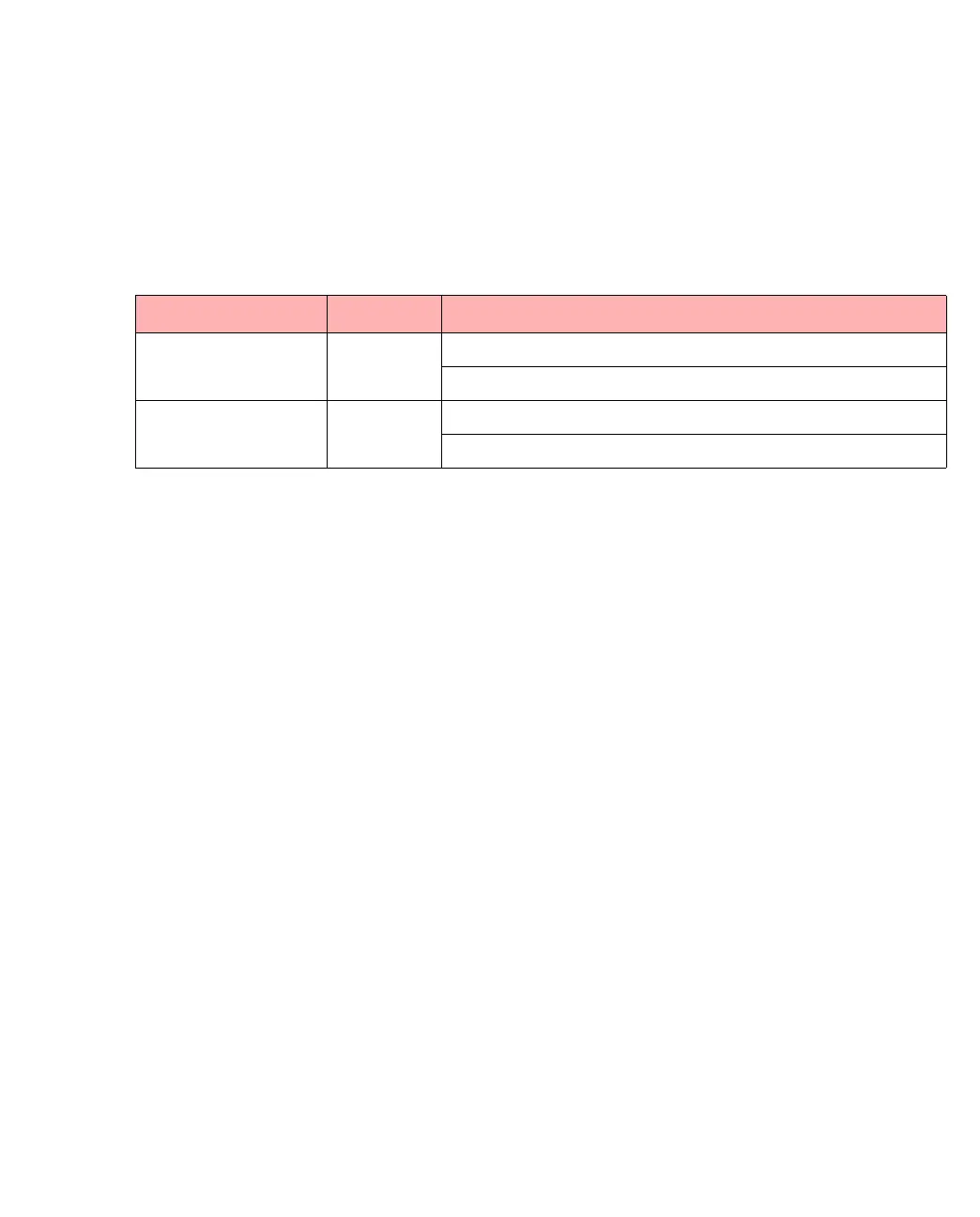
Table 1.13 -
Port LED Indicator Colors and Meanings
LED Color Meaning
Left (Speed) Green Off: 10Mbps
Solid: 100Mbps
Right (Duplex) Orange Off: Half duplex
Solid: Full duplex



 To Next Page