FORE Systems ES-2810 Ethernet Switch User’s Manual
1 - 7
Introduction to the ES-2810
Introduction to the ES-
2810
1.4 Installation
1.4.1 Important
You must adhere to all local and national regulations governing the installation and connec-
tion of electrical devices when installing the switch.
1.4.2 Before Installation
1.4.2.1 Contents of the Pack
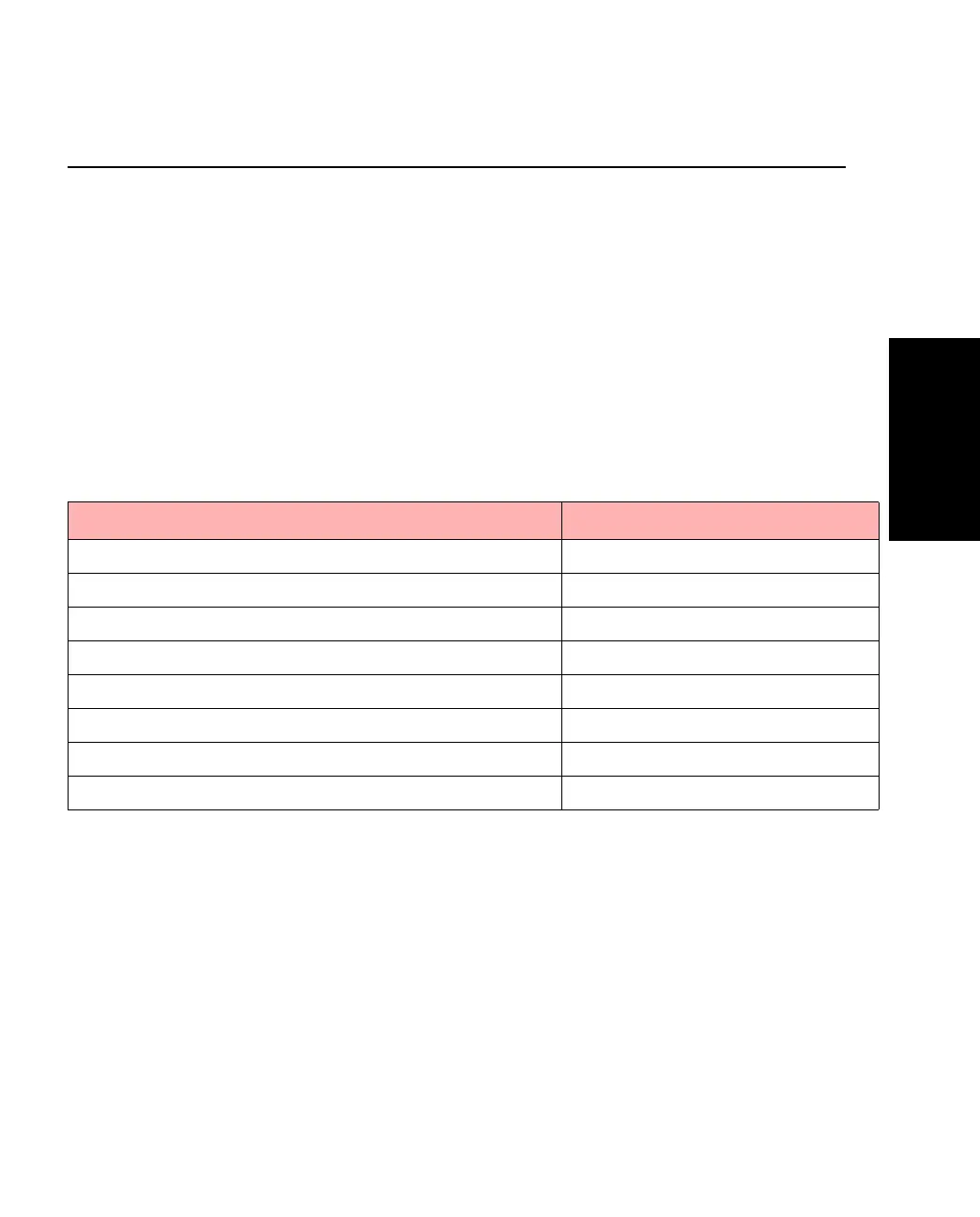
Unpack the switch carefully and check that these parts are present:
Table 1.6 -
Package Contents Checklist
Item Present?
One ES-2810
One power cord (suitable for your power outlet)
One mounting kit
One CD-ROM
One Console cable
One Quick Start
FORE Documentation CD (including this on-line manual)
FORE Release Notes



 To Next Page