FORE Systems ES-2810 Ethernet Switch User's Manual
5 - 3
Managing the Switch
Managing the Switch
5.3 Information About the Switch
5.3.1 Identifying the Switch
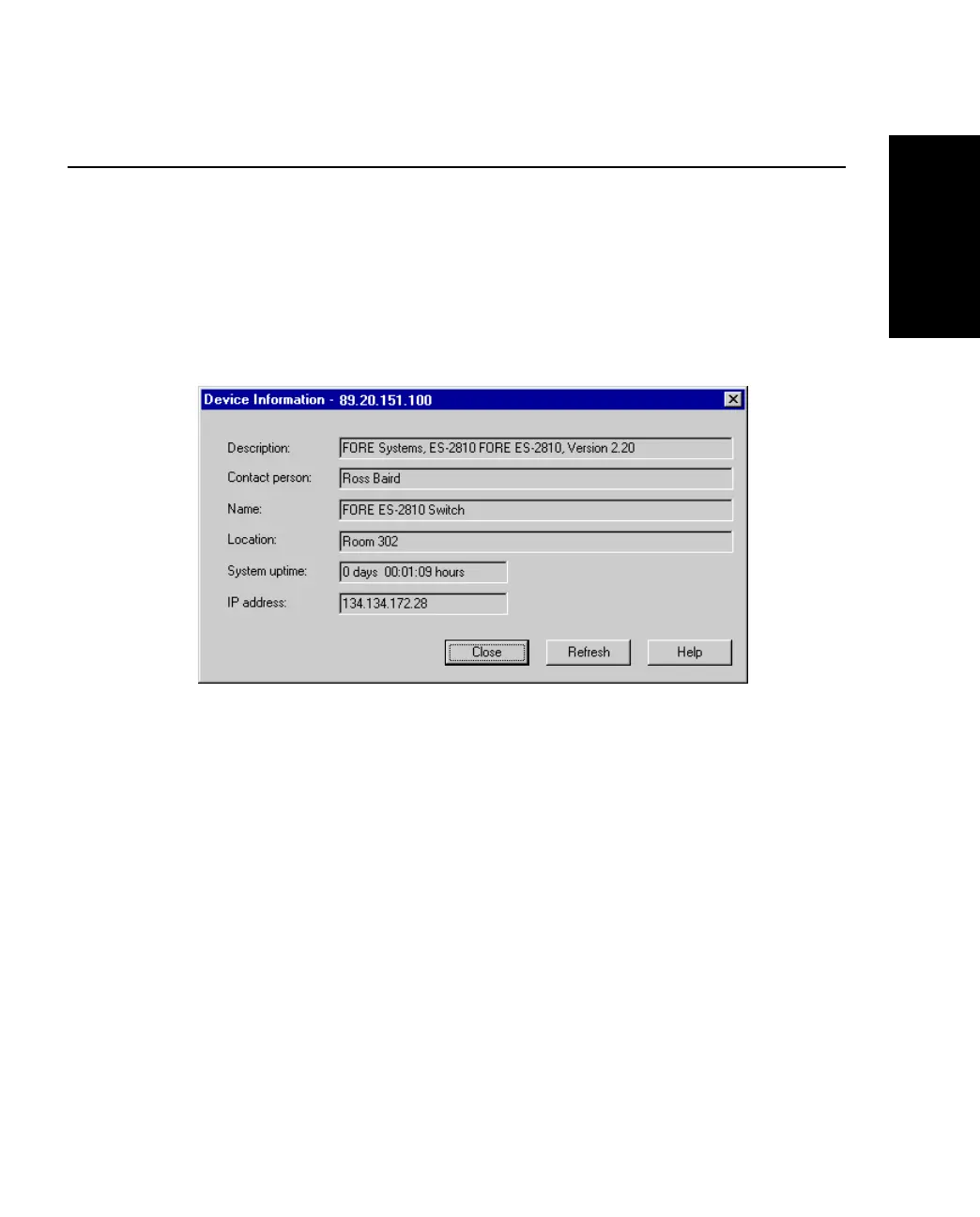
Use the following procedure to see the name of the switch, the IP address, the administrator’s
name and how long the switch has been running:
1. Select Device Information.
Figure 5.1 -
Device Information Dialog Box
2. To update the information, click Refresh.



 To Next Page