5 - 8
FORE Systems ES-2810 Ethernet Switch User's Manual
Managing the Switch
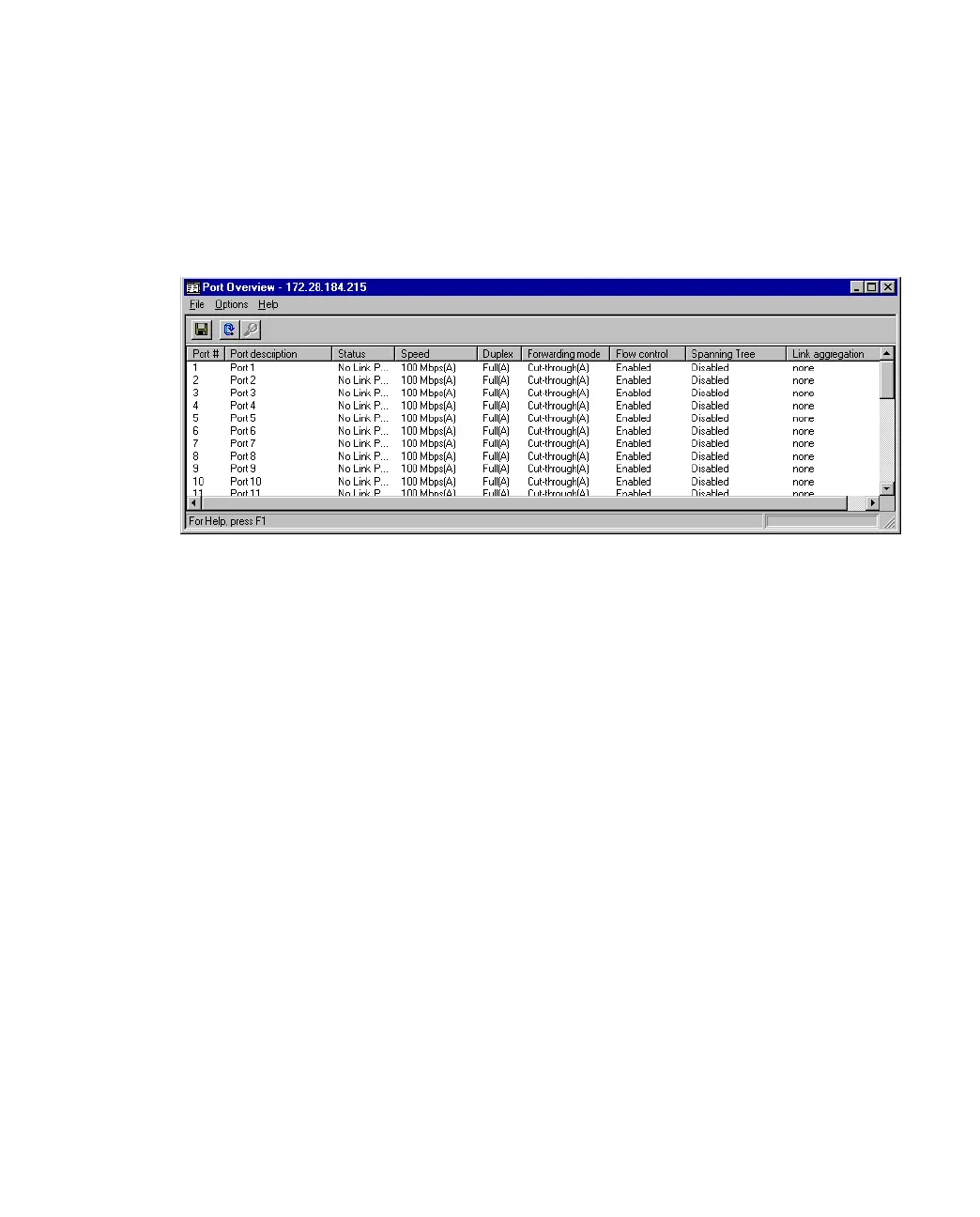
5.4.6 Overview of All the Ports
Use the following procedure to view the setups of all the ports on the switch:
1. Select Port Overview.
Figure 5.5 -
Port Overview Dialog Box
2. Double-click a port to get the specific details for that port: port performance, faults,
packet distribution, link aggregation and spanning tree information.



 To Next Page