FORE Systems ES-2810 Ethernet Switch User's Manual
5 - 23
Managing the Switch
Managing the Switch
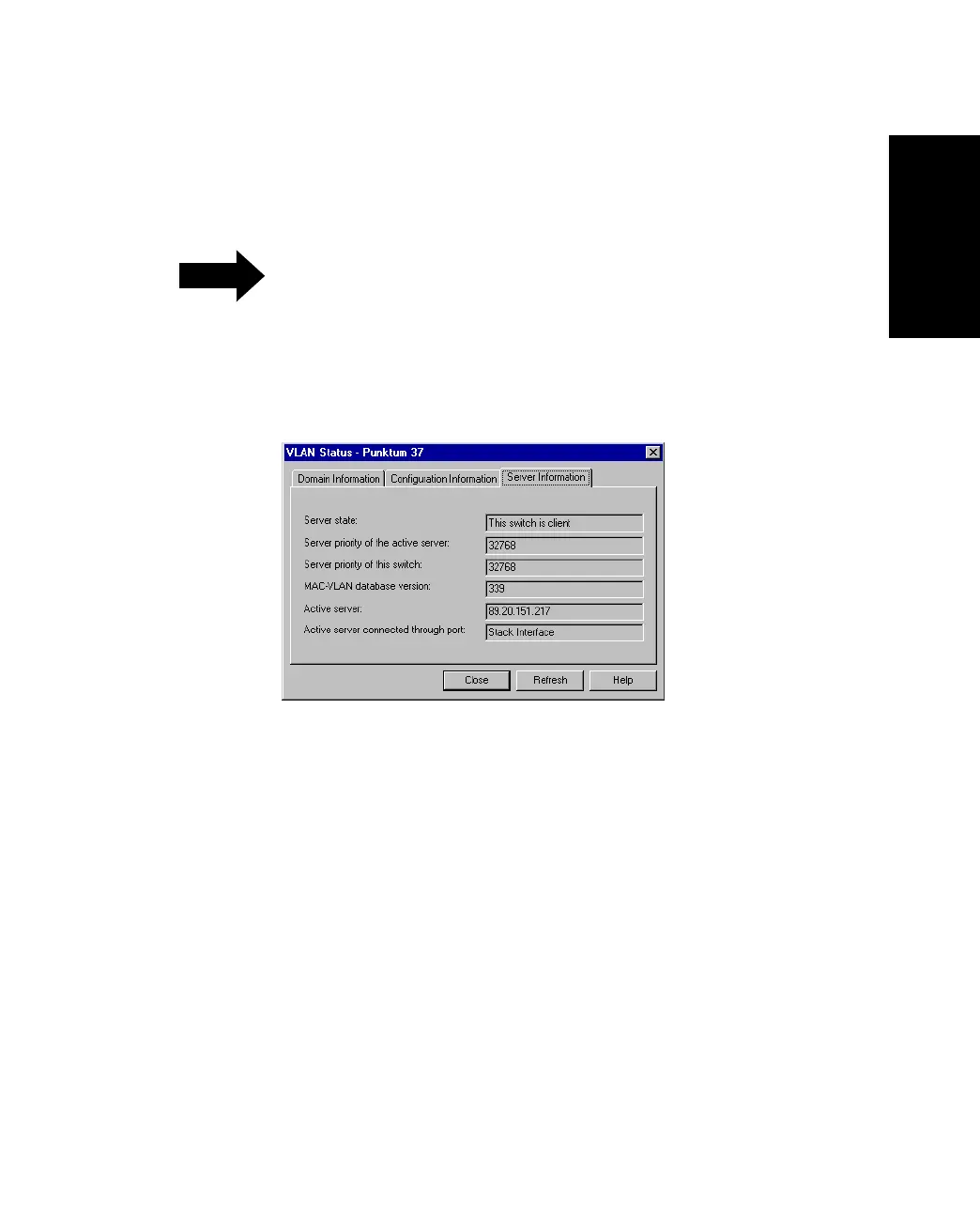
5.7.5 Information About the Server
This provides status information about the server:
NOTE
This information is only available from switches
in a stack or from switches in a distributed
VLAN.
1. Select VLAN>Status.
2. Click Server Information
Figure 5.17 -
Server Information Tab of the VLAN Status Dialog Box



 To Next Page