4 - 4
FORE Systems ES-2810 Ethernet Switch User's Manual
Advanced Configuration
4.2.5 Adding a VLAN
The task of adding VLANs is simplified by using the VLAN Wizard. VLANs are not switch
specific when managing a stack. Therefore, right-click the stack border to access VLAN Setup.
To add a VLAN:
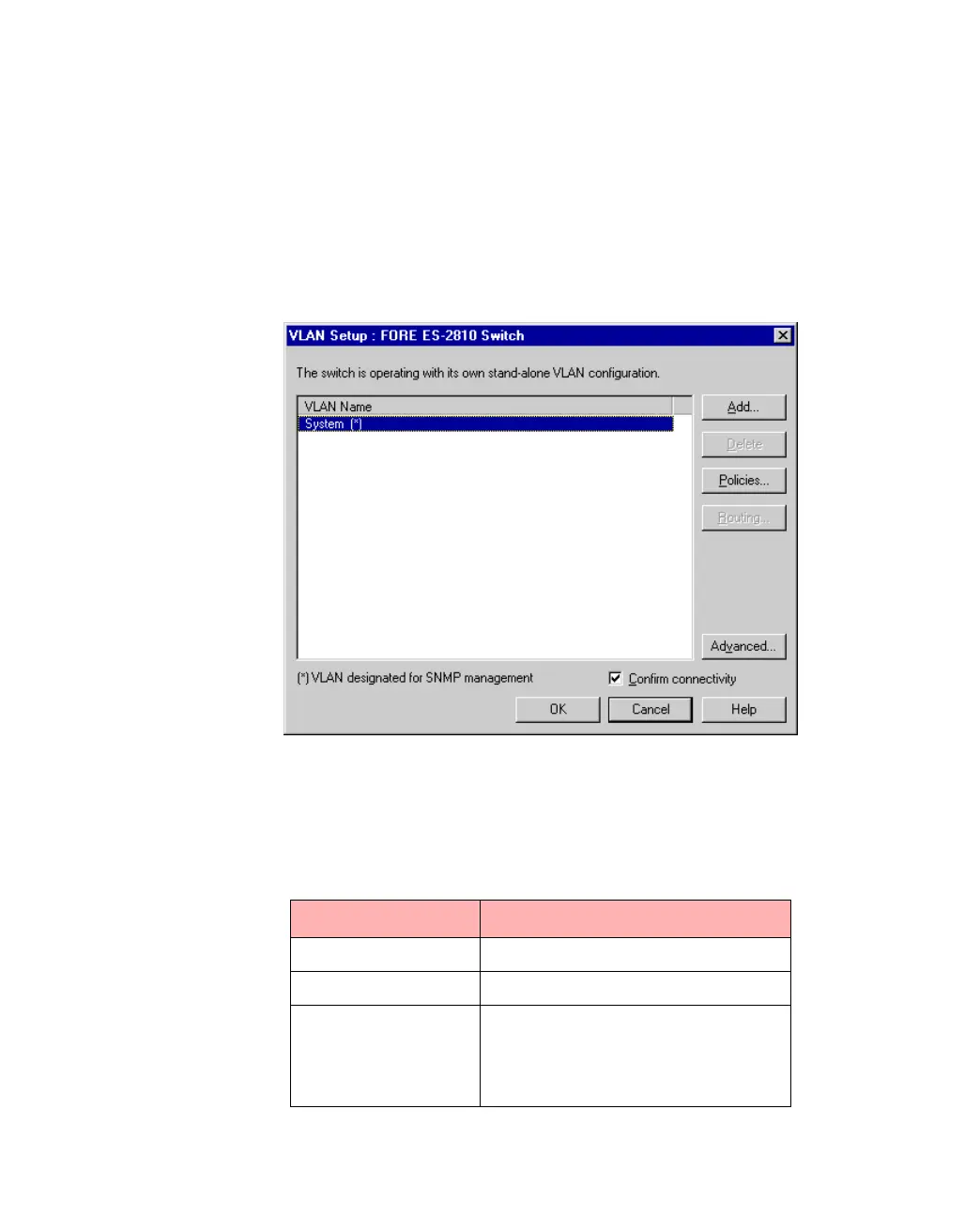
1. Select VLAN Setup.
Figure 4.1 -
VLAN Setup Dialog Box
2. Click Add, and follow the instructions in the Wizard windows.
Table 4.1 -
Information Required for Policies
Policy Information required
Switch Ports Port numbers
IP Subnet IP Subnet and Mask
Mixed policy IP Subnet and Mask,
Port numbers,
MAC address and/or
IP address



 To Next Page