5 - 40
FORE Systems ES-2810 Ethernet Switch User's Manual
Managing the Switch
5.15.2 Stack Synchronization Manager
5.15.2.1 Purpose
Before switches connected together via a Matrix Module can be managed as a stack, their con-
figurations must be synchronized. This manager checks that all the configurations are compat-
ible. The configurations for all the switches are then synchronized from a specified switch.
5.15.2.2 Using the Synchronization Manager
Use the following procedure to start the Synchronization Manager:
1. Select Tools>Stack Synchronization Manager.
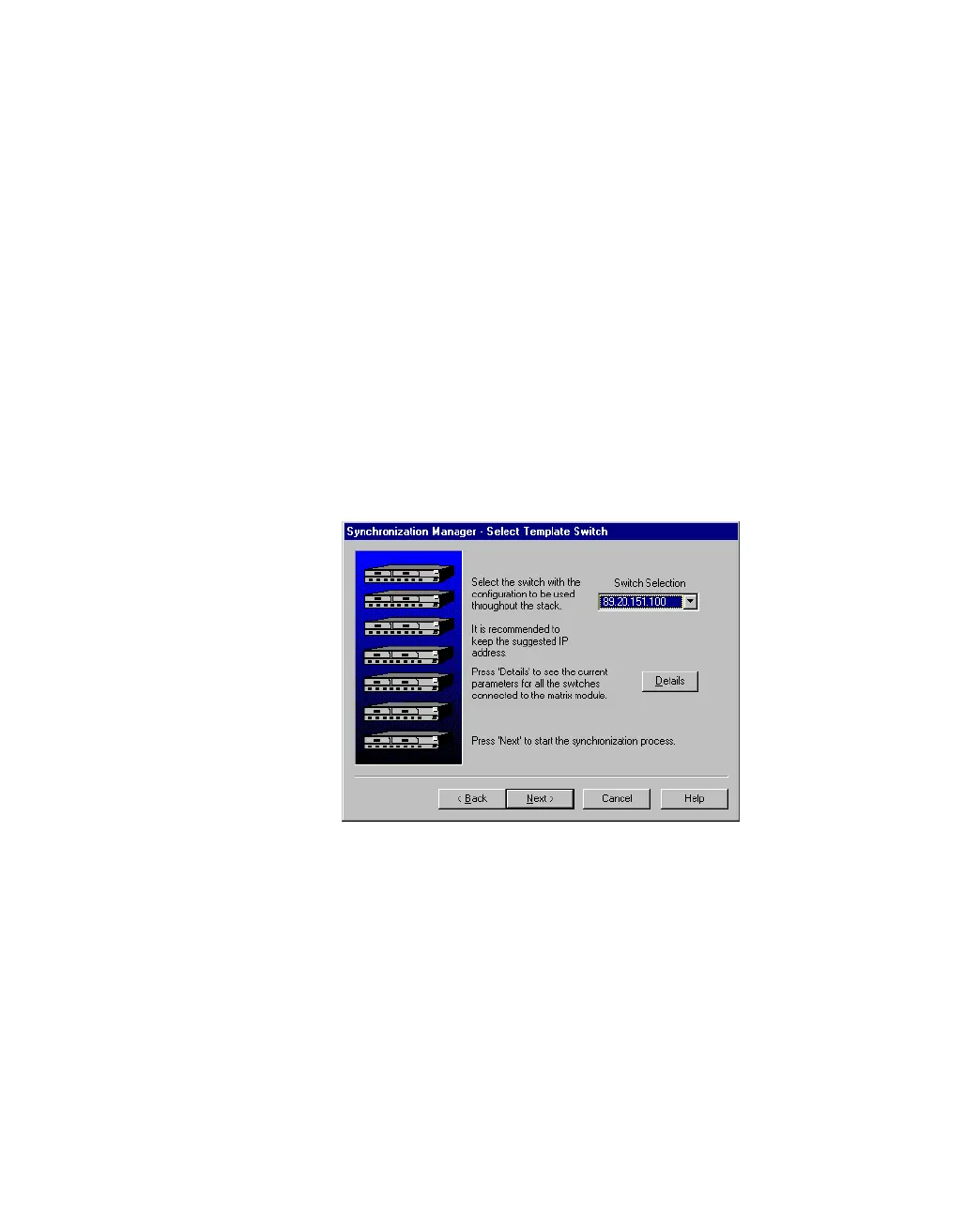
2. Follow the checks made and then click Switch Selection and select the IP
address for the switch with the configuration that is to be copied to the other
switches.
Figure 5.25 -
Synchronization Manager Dialog Box
3. Click Next> to complete the synchronization of the switches.



 To Next Page