5 - 32
FORE Systems ES-2810 Ethernet Switch User's Manual
Managing the Switch
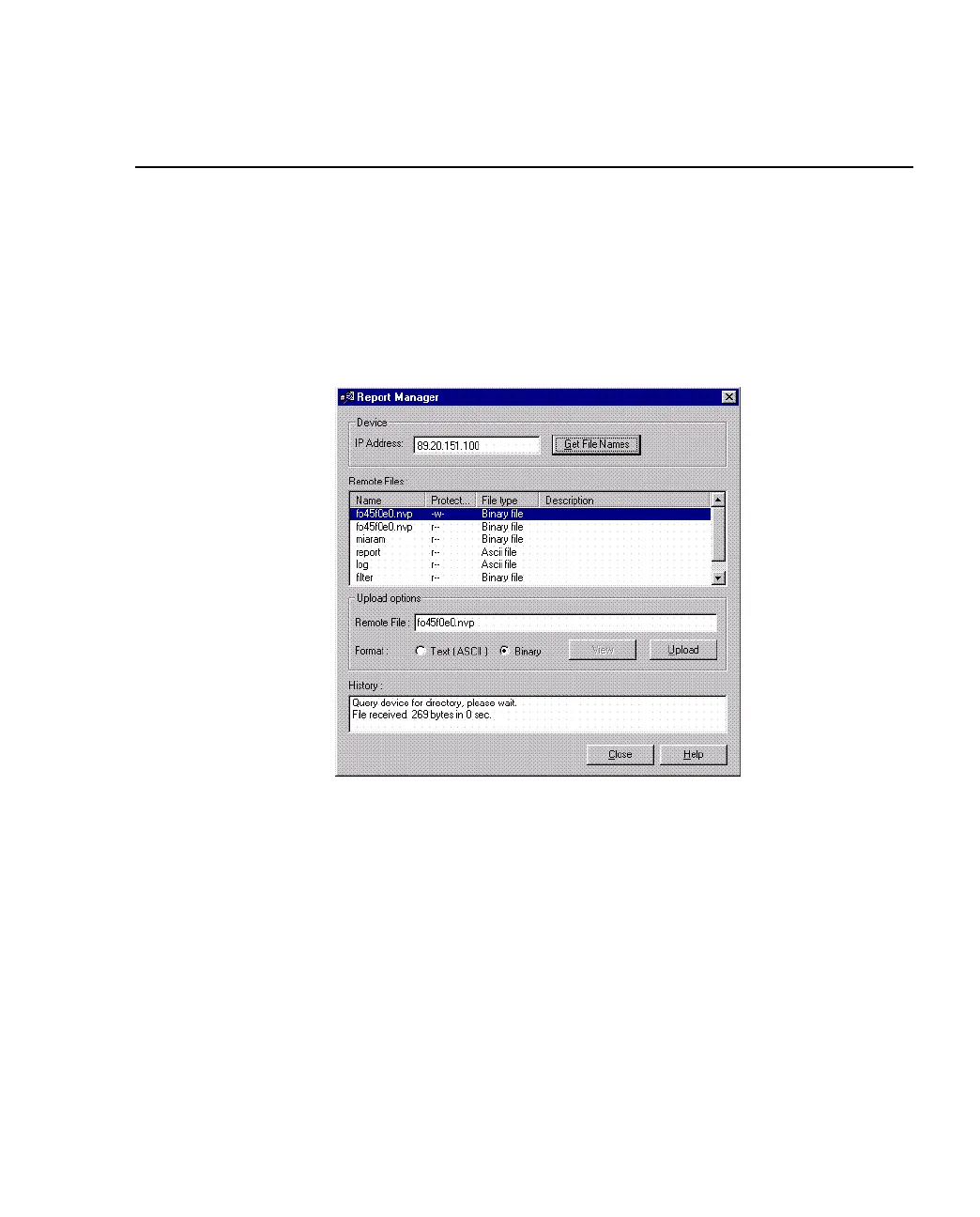
5.11 The Report Manager
5.11.1 Using the Report Manager
Use the following procedure to view a log or report:
1. Click Tools>Report Manager. If you are managing a stack, select the IP Address
of the individual switch.
Figure 5.22 -
Report Manager Dialog Box
2. Double-click IP Address, and type the correct IP address for the device you want
to receive the directory.
3. Select a directory from the Directory list box, and click View.



 To Next Page