FORE Systems ES-2810 Ethernet Switch User’s Manual
1 - 21
Introduction to the ES-2810
Introduction to the ES-
2810
1.10 Other LEDs on the Front Panel
1.10.1 Introduction
There are three other LEDs and one button on the front panel that show how the switch is
operating:
• Status LED
• Temperature LED
• Redundant Power Supply (RPS) LED
• Port Status button
1.10.2 LED Colors and their Meanings
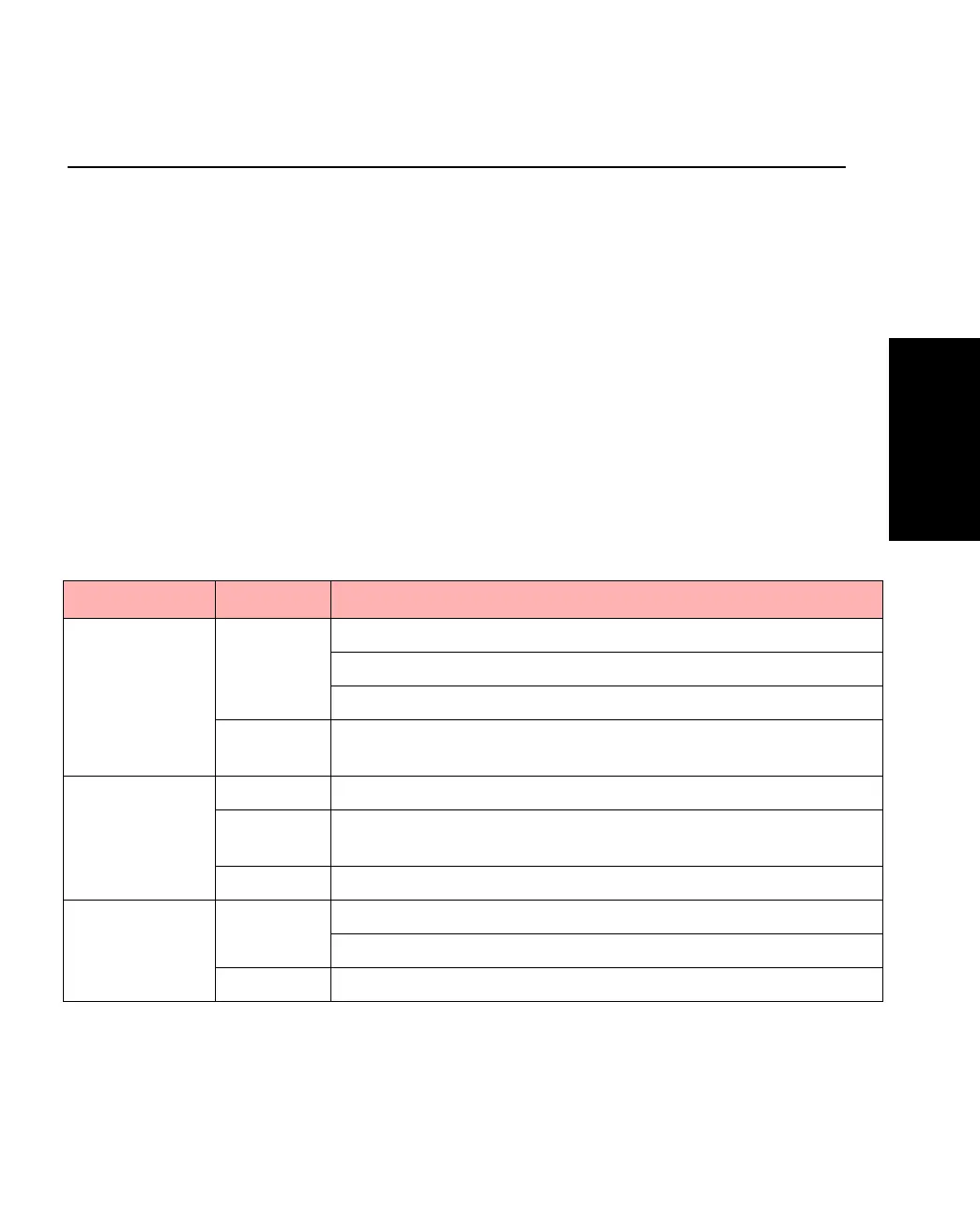
The LEDs give information about the state of the switch:
Table 1.12 -
LED Indicator Colors and Meanings
LED Color Meaning
Status Green Solid: The switch is operating normally.
Blinking (1 Hz): Updating software or running in recovery mode.
Blinking (5 Hz): Running in maintenance mode.
Red The switch is resetting, or either hardware or software errors are
detected.
Temperature Green Normal operating temperature.
Orange Temperature is higher than normal. Check that the area around
the air intakes and vents are clear of obstructions.
Red Temperature is too high and the switch will shut down.
RPS Green Off: No RPS connected.
Solid: RPS connected, but not needed.
Orange Normal power supply has failed and the RPS has taken over.



 To Next Page