User Guide
306
6.
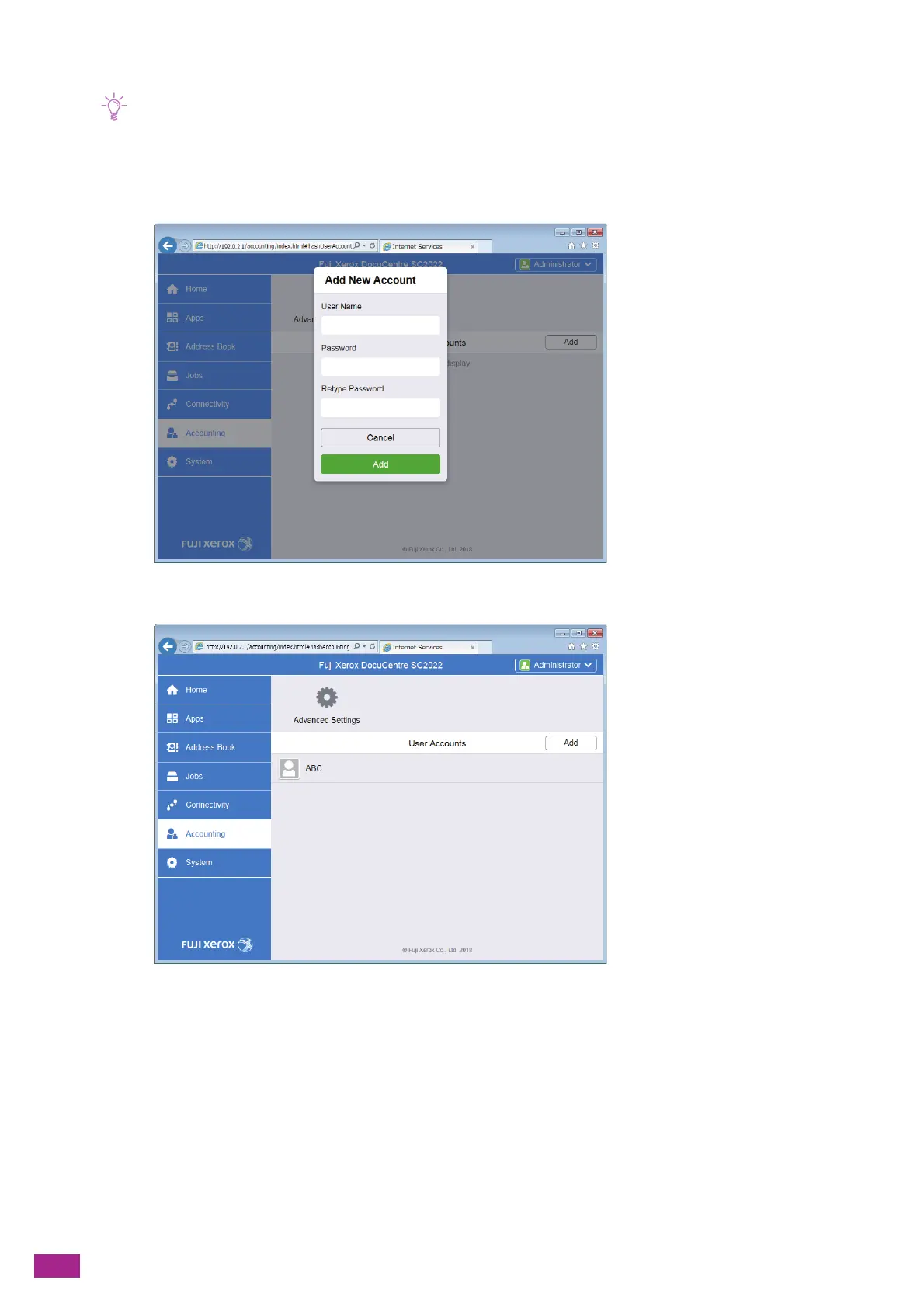
Set the [User Name], [Password], and [Retype Password], and then click [Add].
• The number of characters you can enter for the user names and passwords are as follows:
User name: 1 - 32 alphanumeric characters and symbols
Password: 4 - 12 alphanumeric characters and symbols
• The following symbols cannot be used in the user name.
" + ; < > ? [ ] ` { } |
A user account is added.
7.
Click the added user account.



 To Next Page
 Loading...