EasyManua.ls Logo

Fujitsu M10-4 - Page 169

Fujitsu M10-4
342 pages
Print Icon
To Next Page IconTo Next Page
To Previous Page IconTo Previous Page
Loading...
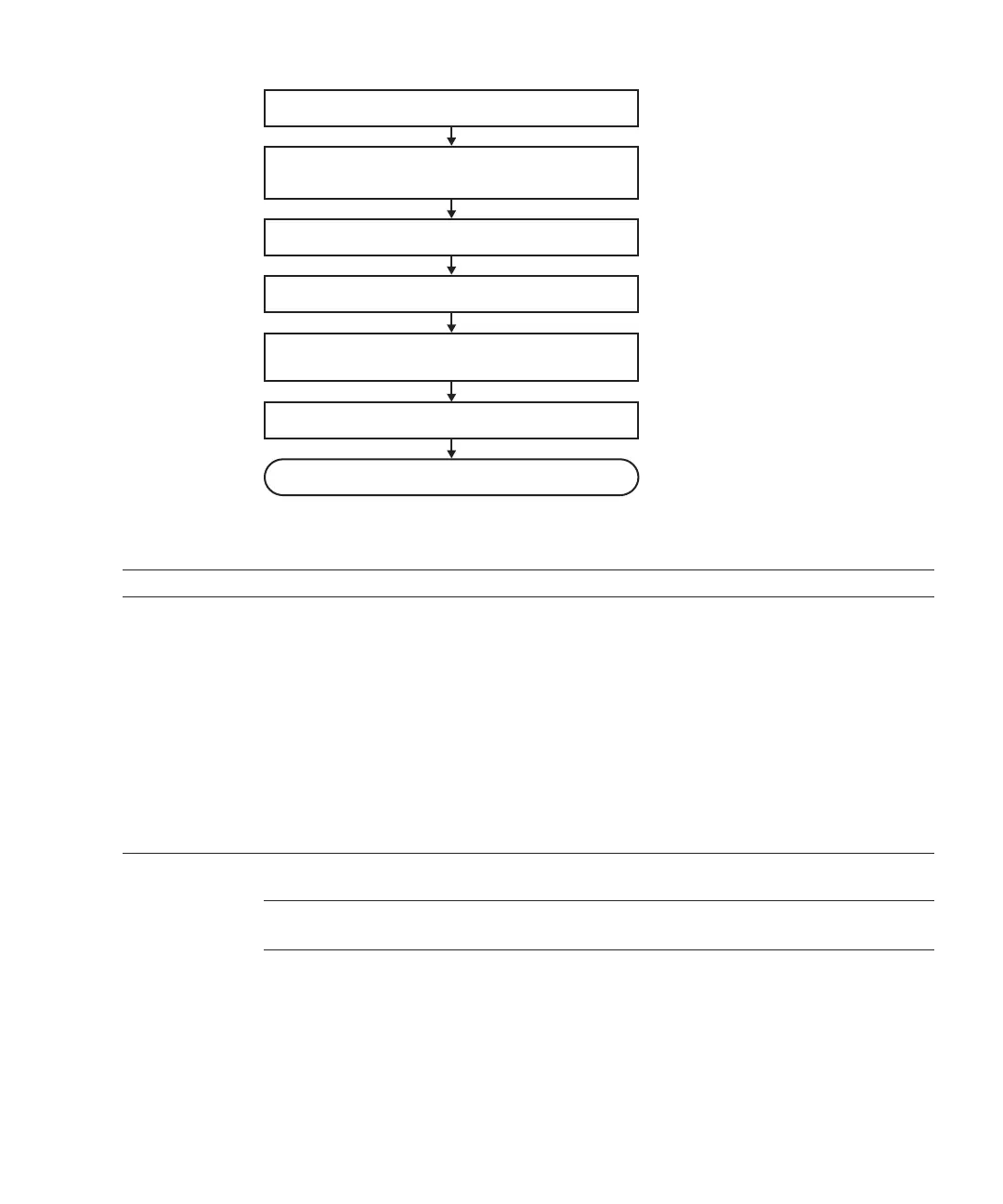
1. Open rack door
3. Enable removal of internal disk
4. Remove internal disk for removal
5. Confirm that there is no problem with chassis
after removal
6. Close rack door
Removal complete
2. Check operating condition of system and
I/O device usage status
Table
7-24
  
Active/hot
removal
work
procedure
(for
an
internal
disk)
Item
Work
procedure Reference
1 Opening
the
rack
door
2 Checking
the
operating
condition
of
the
system
and
the
I/O
device
usage
status
"5.3
Checking
the
Operating
Condition
and
Resource
Usage
Status"
3 Enabling
the
removal
of
an
internal
disk
"5.4.2
Enabling
the
removal
of
an
I/O
device"
-
"Enabling
the
removal
of
an
internal
disk"
4
Removing
an
internal
disk
for
removal
"Chapter
10
Maintaining
the
Internal
Disks"
5 Confirming
that
there
is
no
problem
with
the
chassis
after
the
removal
"4.2.2
Identifying
a
failure"
-
"Checking
the
FRU
status"
6Closing
the
rack
door
Note
-
You
can
perform
the
active/hot
removal
work
for
an
internal
disk
only
in
a
RAID
configuration.
Figure
7-23
  
Active/hot
removing
flow
(for
an
internal
disk)
Chapter
7
 
Maintenance
Flow 155

Table of Contents

Related product manuals