3 UCN Status Displays
3.8 IOP Detail Status Displays
R688 HPM High-Performance Process Manager Service 285
December 2020 Honeywell
LLMux IOP calibration
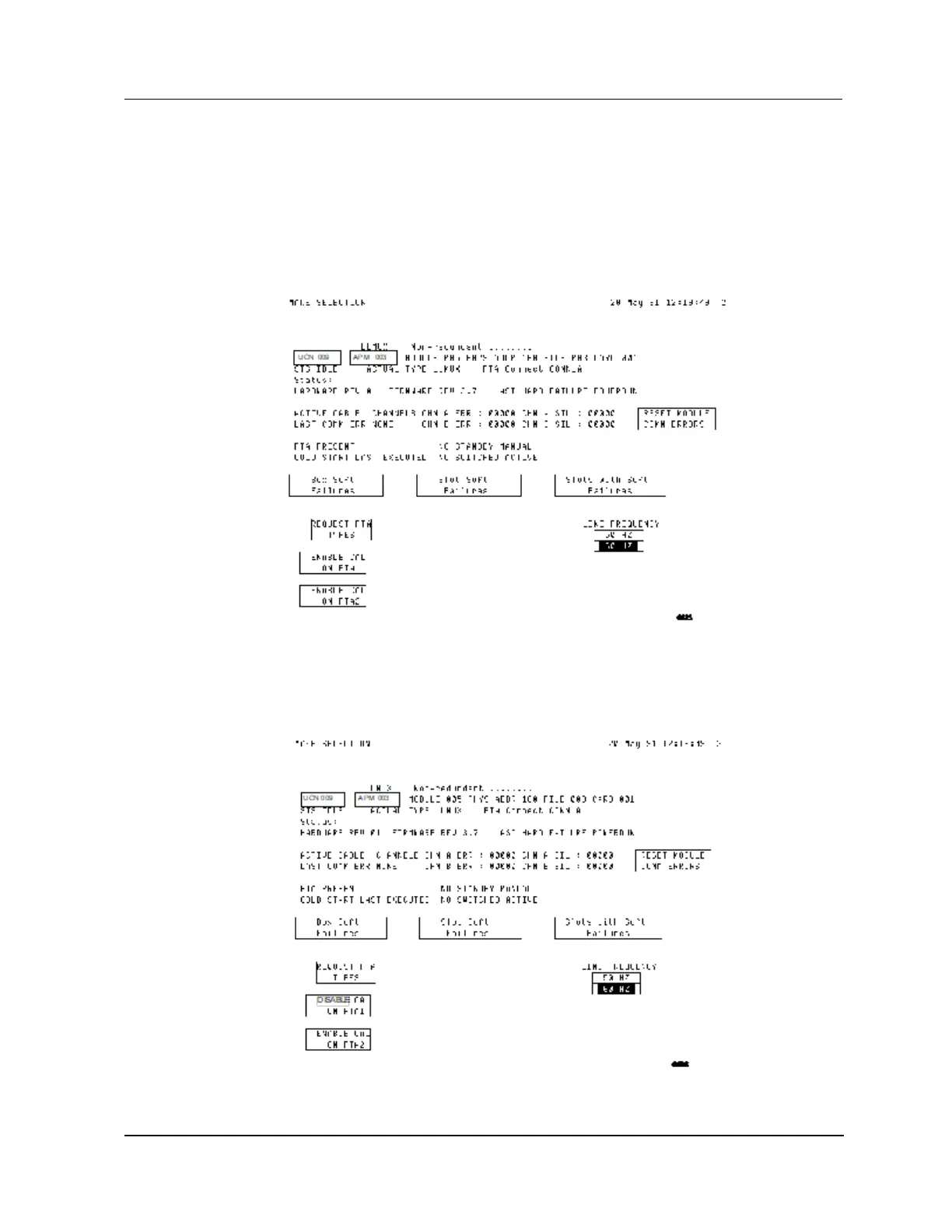
Figure 165 and Figure 166 show the targets available for calibration of the Low Level Multiplexer
(LLMux) IOP. Selecting either the ENABLE CAL ON FTA1 or ENABLE CAL ON FTA2 target
initiates the calibration procedure, while selecting the DISABLE CAL ON FTA1 or DISABLE CAL
ON FTA2 target terminates the procedure.
Figure 165 Low Level Multiplexer IOP Detail Status Display–ENABLE CAL ON Target
Selected
DISABLE CALIBRATN target
Figure 166 Low Level Multiplexer IOP Detail Status Display–DISABLE CALIBRATN Target
Selected


 To Next Page
 Loading...