210
S:\HP892XX\USRGUIDE\manual\callscrn.fb
Chapter 6, Call Processing Subsystem
CALL BIT Screen Message Field Descriptions
OHD
This field displays the overhead message type.
• A ‘100’ indicates a global action message.
• A ‘110’ indicates this is the first word of the system parameter overhead parameter
message.
• A ‘111’ indicates this is the second word of the system parameter overhead message.
Parity
Parity field. The contents of the Parity field cannot be set by the user. The Test Set
calculates the parity bits.
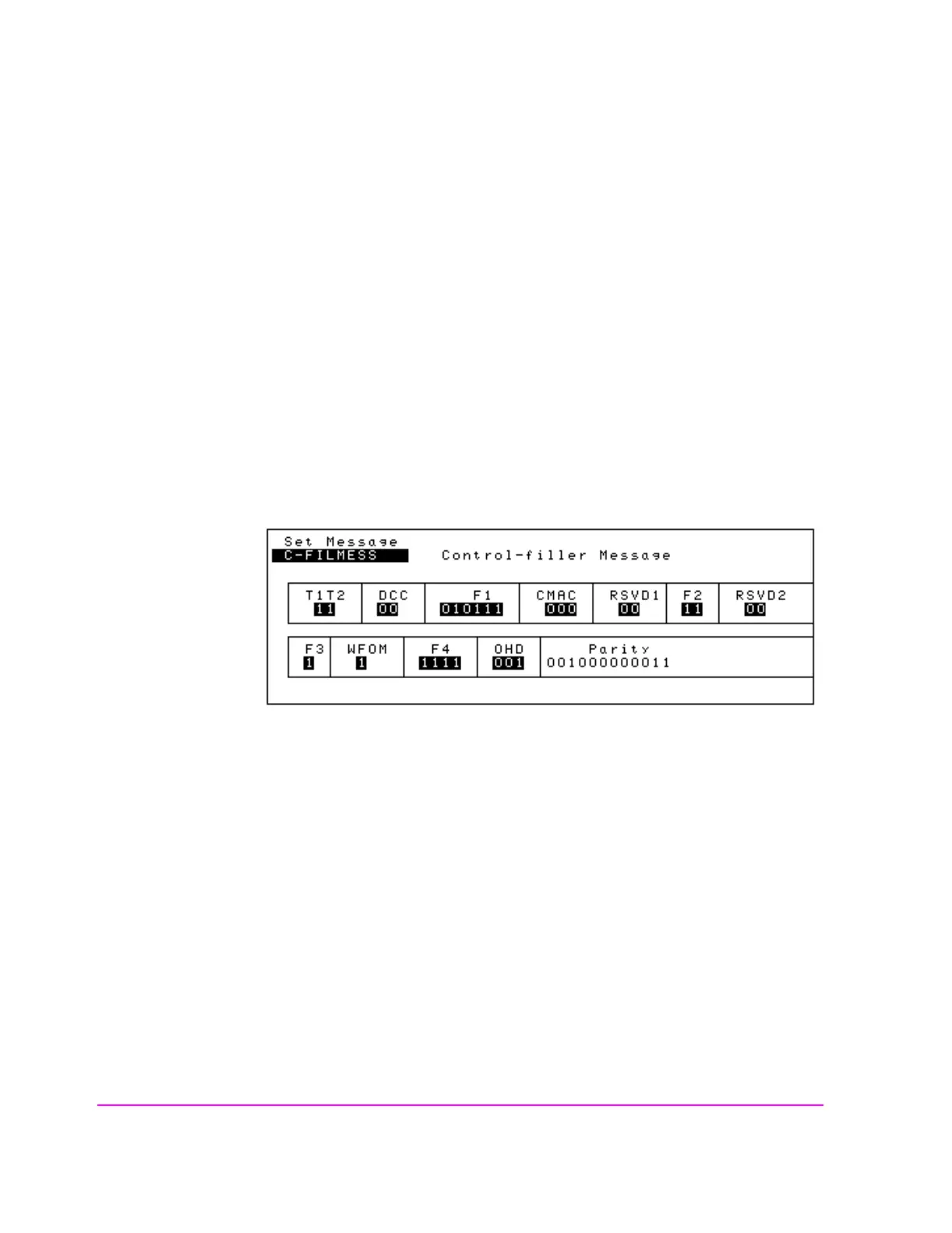
C-FILMESS Message Fields
Figure 42 C-FILMESS Message Fields
T1T2
This field identifies the received message as an order confirmation, an order, or a
called address message.
DCC
Digital color code field.
F1
Control filler message field 1. All bits must be set as indicated.



 To Next Page