42
S:\HP892XX\USRGUIDE\manual\getstart.fb
Chapter 1, Get Started
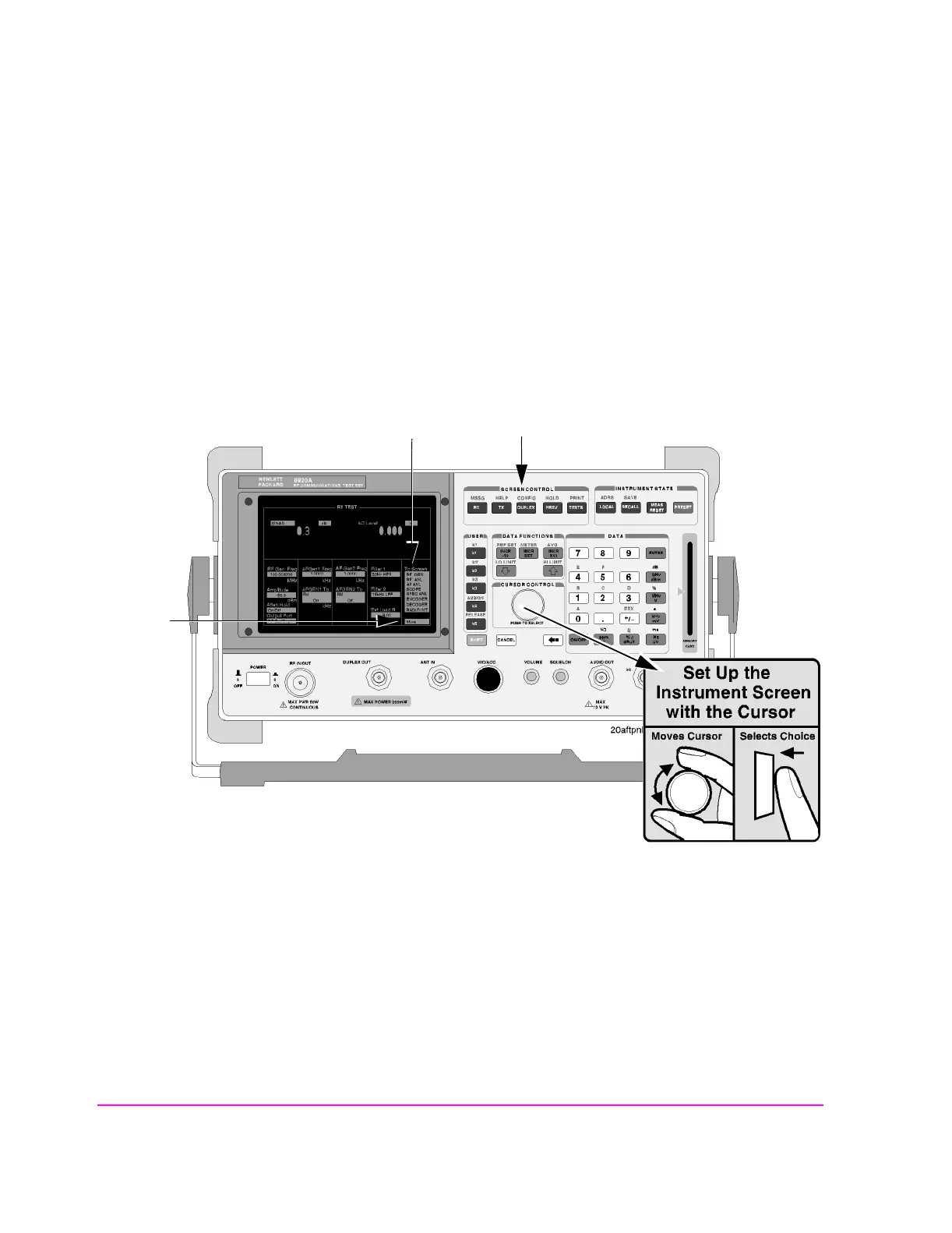
Accessing the Test Set’s Screens
Accessing Screens
Test Set’s screens can be accessed through
• Front-panel keys
• The front-panel Cursor Control knob (using the To Screen menu, see item 5 in fig-
ure 3 on page 43)
• HP-IB, using the DISPlay subsystem.
Figure 2 Accessing the Screens
Front-Panel Key
Access to Screens
Knob
Access to
Additional
Screens
Knob Access to
Screens



 To Next Page