546
S:\HP892XX\USRGUIDE\manual\testscrn.fb
Chapter 22, Tests Screen
ROM Programs
ROM Programs
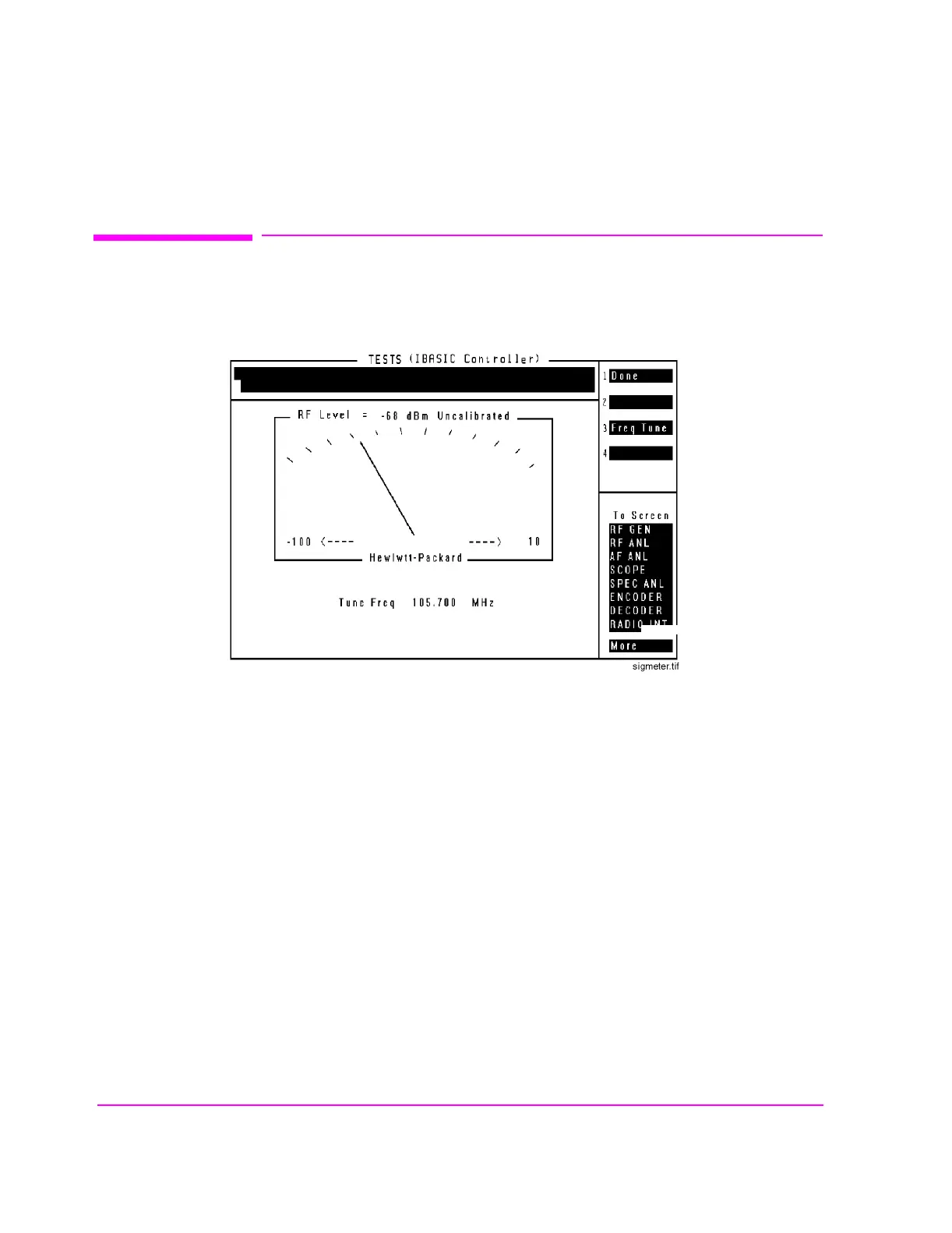
Using the Signal Strength Meter
Figure 143 The Signal Strength Meter Screen
The Signal Strength Meter is accessed by loading and running the LVL_MTR ROM
program.
1. Select the TESTS (Main Menu) screen.
2. Move the cursor to the Select Procedure Location: field and choose ROM.
3. Move the cursor to the Select Procedure Filename: field and select
LVL_MTR.
4. Press the k3 key and enter the tune frequency (in MHz), then press the ENTER key. Do
not press a units (MHz, kHz, Hz) key. MHz is the default unit and cannot be changed.
The ANT IN port is always the signal source.
sigmeter.wmf



 To Next Page