446
S:\HP892XX\USRGUIDE\manual\oscscrn.fb
Chapter 14, Oscilloscope Screen
Field Descriptions
Field Descriptions
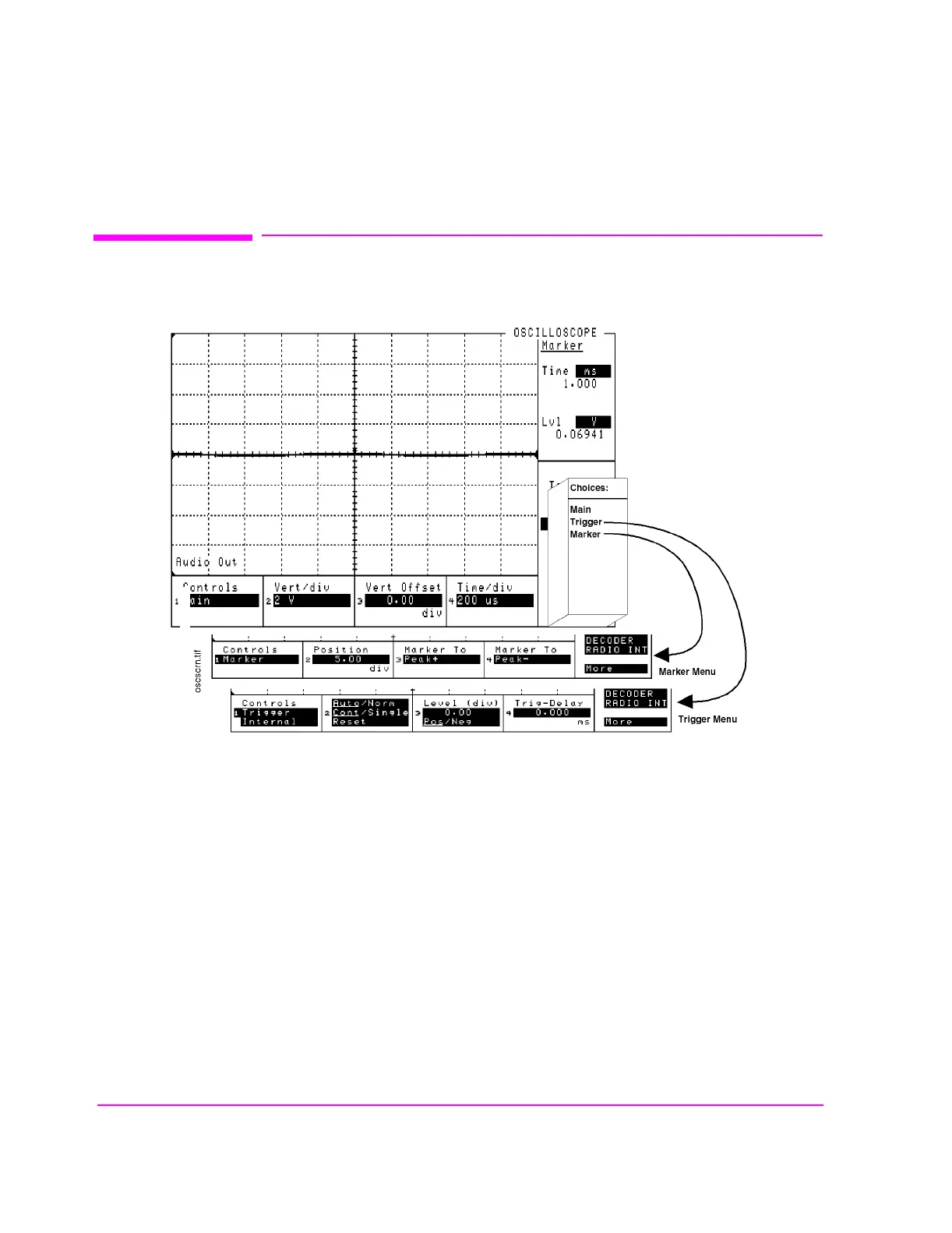
Figure 110 The Oscilloscope Screen and Menus
The OSCILLOSCOPE screen’s controls are arranged by menu. The menus are
accessed using the
Controls field. The field descriptions are grouped by menu
names.
Assigning global USER keys to the most-used functions on the menus allows you
to access the functions without having to change menus during operation.
oscscrn.wmf



 To Next Page