73
Chapter 3, Operating Overview
Using Memory Cards
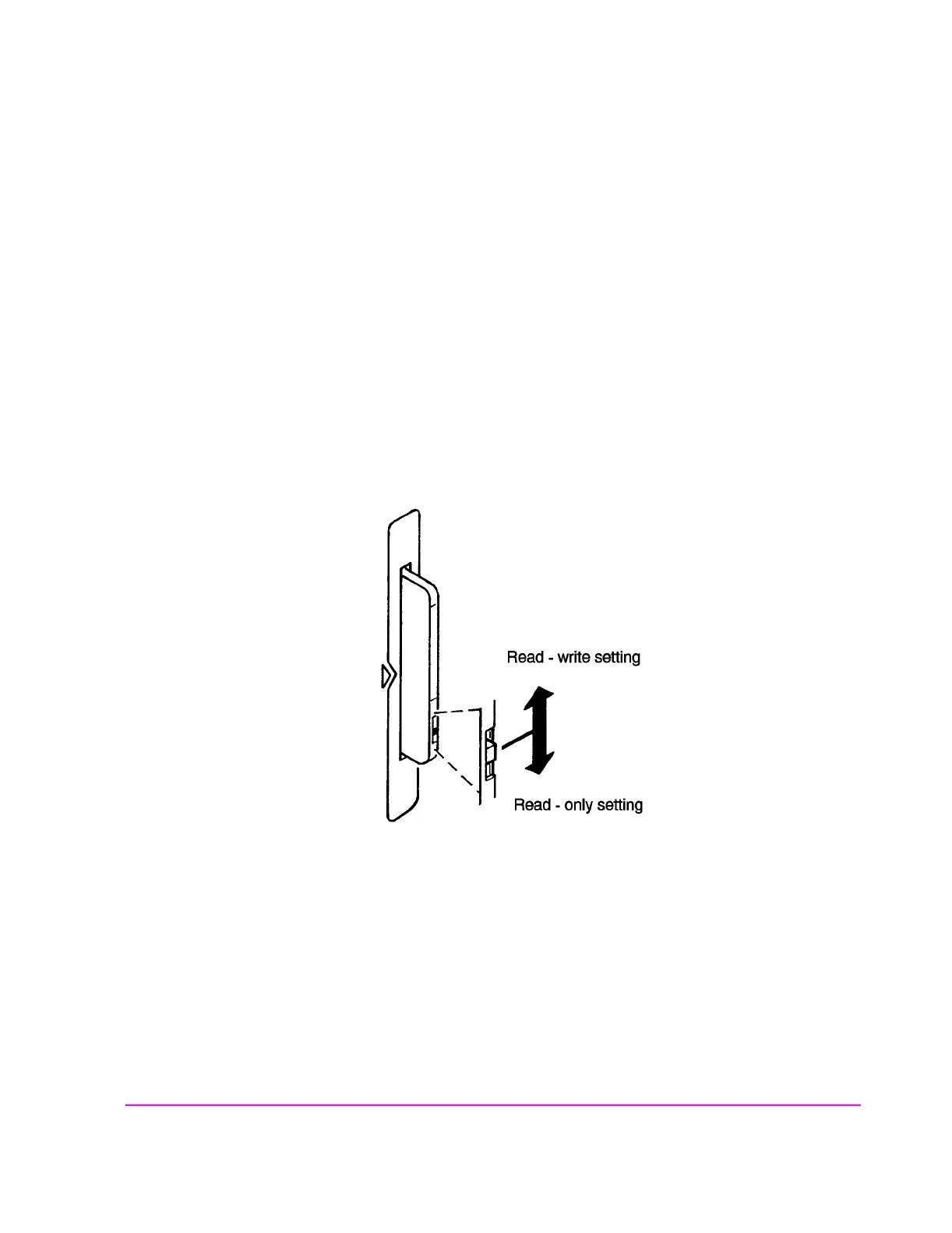
Setting the Write-Protect Switch
The SRAM memory card’s write-protect switch lets the user secure its contents
from being overwritten or erased. The switch has two positions (see
figure 10 ):
• Read-write – The memory-card contents can be changed or erased, and new files may
written on the card.
• Read-only – The memory-card contents can be read by the Test Set, but cannot be
changed or erased.
Figure 10 Setting the SRAM Write-Protect Switch



 To Next Page