538
S:\HP892XX\USRGUIDE\manual\testscrn.fb
Chapter 22, Tests Screen
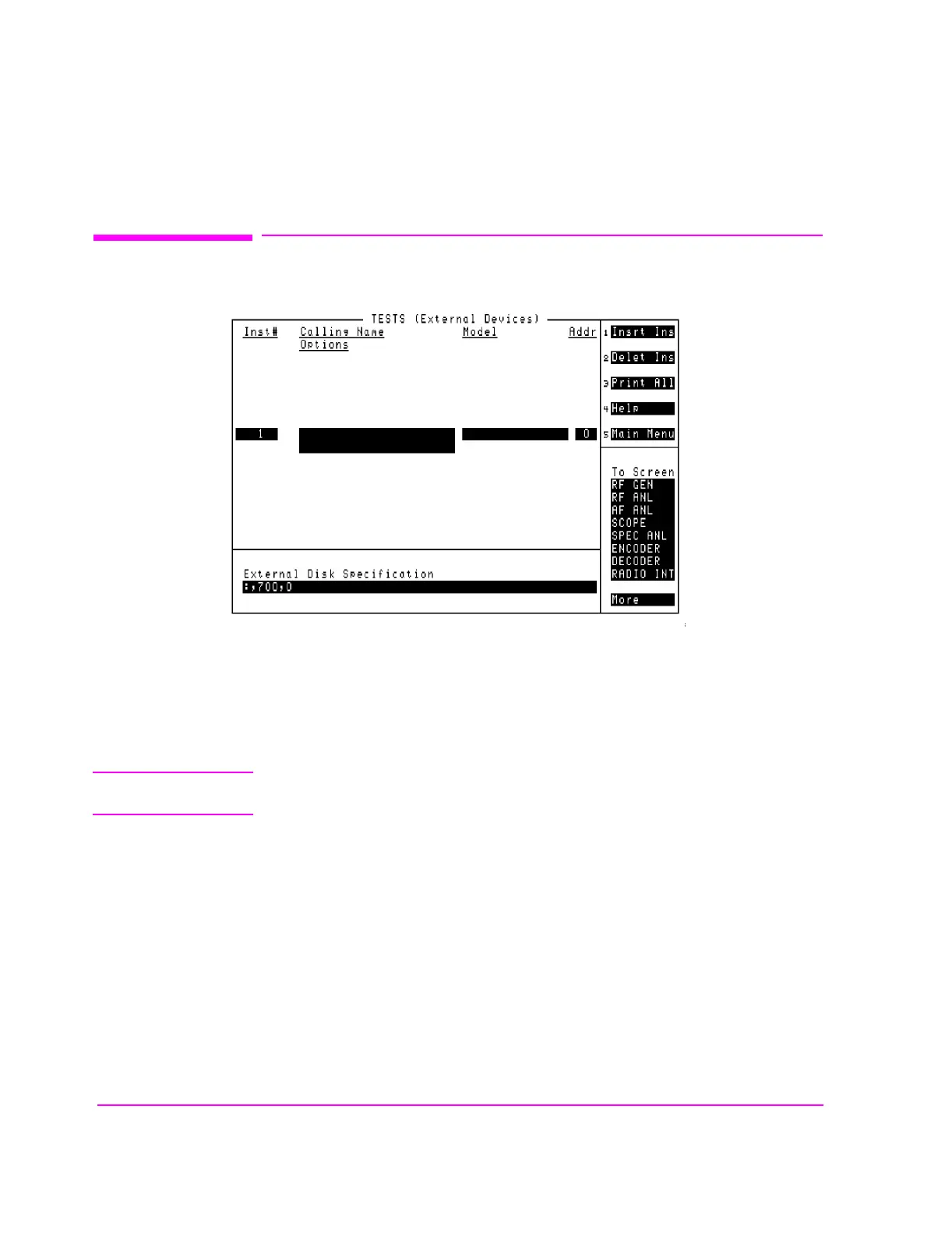
TESTS (External Devices)
TESTS (External Devices)
Figure 140 The TESTS (External Devices) Screen
The Tests Subsystem can only access external devices if they have been
configured. Most external devices use the HP-IB port for control. A serial printer
can be connected to the serial port for printing test results.
NOTE: HP-IB Mode. The Mode field on the I/O CONFIGURE screen must be set to Control to
access connected HP-IB instruments.
tstextdv.wmf



 To Next Page