438
S:\HP892XX\USRGUIDE\manual\ioscrn.fb
Chapter 12, I/O Configure Screen
Field Descriptions
Field Descriptions
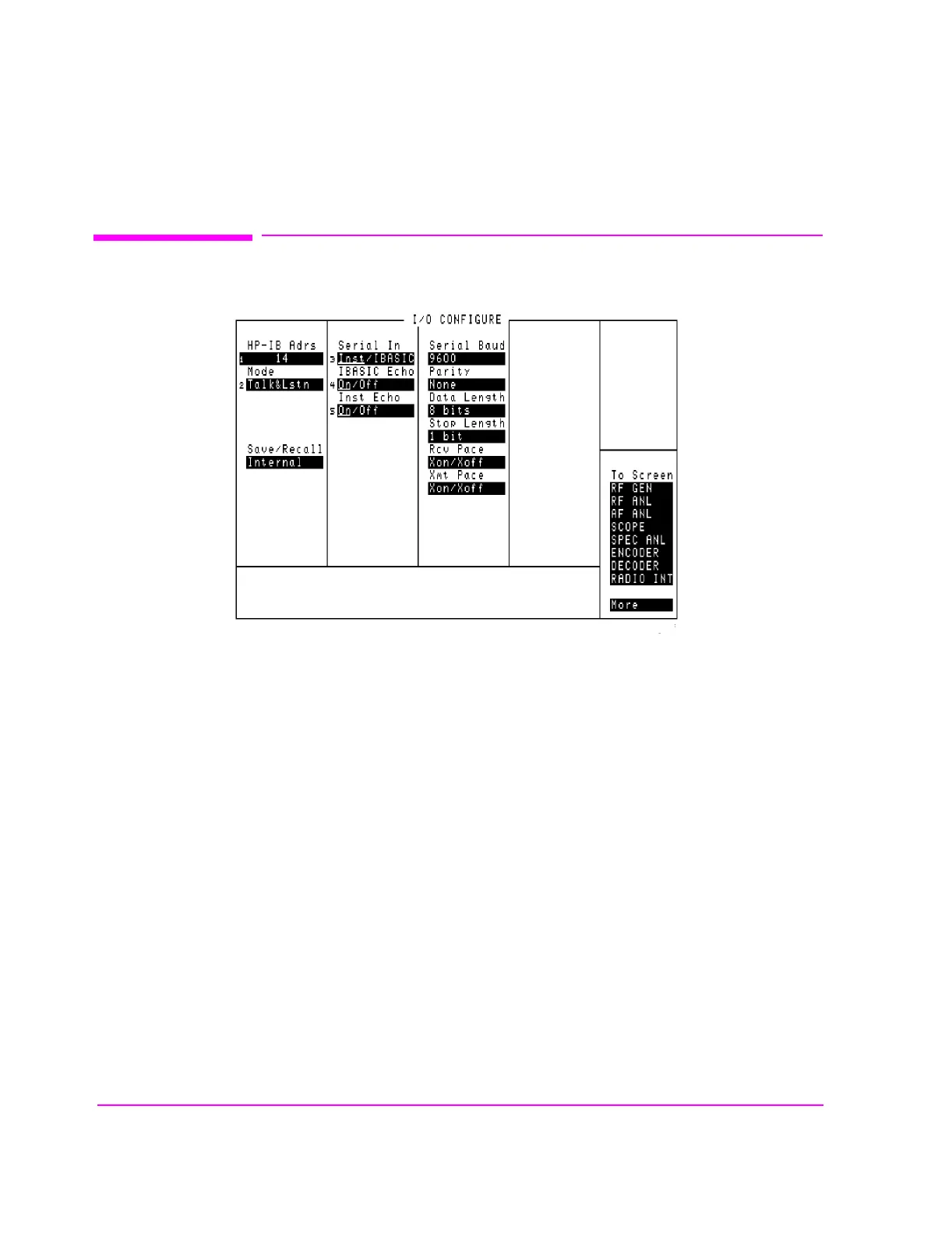
Figure 109 The I/O Configure Screen
The I/O CONFIGURE screen’s fields are used to specify HP-IB and serial
communications settings.(HP 8920As must be equipped with option 003)
This screen is accessed by selecting the
More field (directly below the To
Screen
menu), and selecting IO CONFIG.
ioconfig.wmf



 To Next Page