INS
GUI User’s Manual
Inertial Labs, Inc
TM
Address: 39959 Catoctin Ridge Street, Paeonian Springs, VA 20129 U.S.A.
Tel: +1 (703) 880-4222, Fax: +1 (703) 935-8377 Website: www.inertiallabs.com
147
10.9.2. Clearing axes alignment parameters
Axes alignment angles must be cleared in case of the INS or SAMC units
replacement (change position) on a carrier object, in order to avoid incorrect
heading calculation. Please remember that performed axes alignment data
is valid until the INS and SAMC are mounted onto an object at the very
exact spot while the alignment procedure.
To remove results of axes alignment procedure from the INS nonvolatile
memory, first perform Step 1 and Step 2 from the section 10.1. Then select
“Mag axes alignment” item from “Plugins” menu and click “Clear” button in
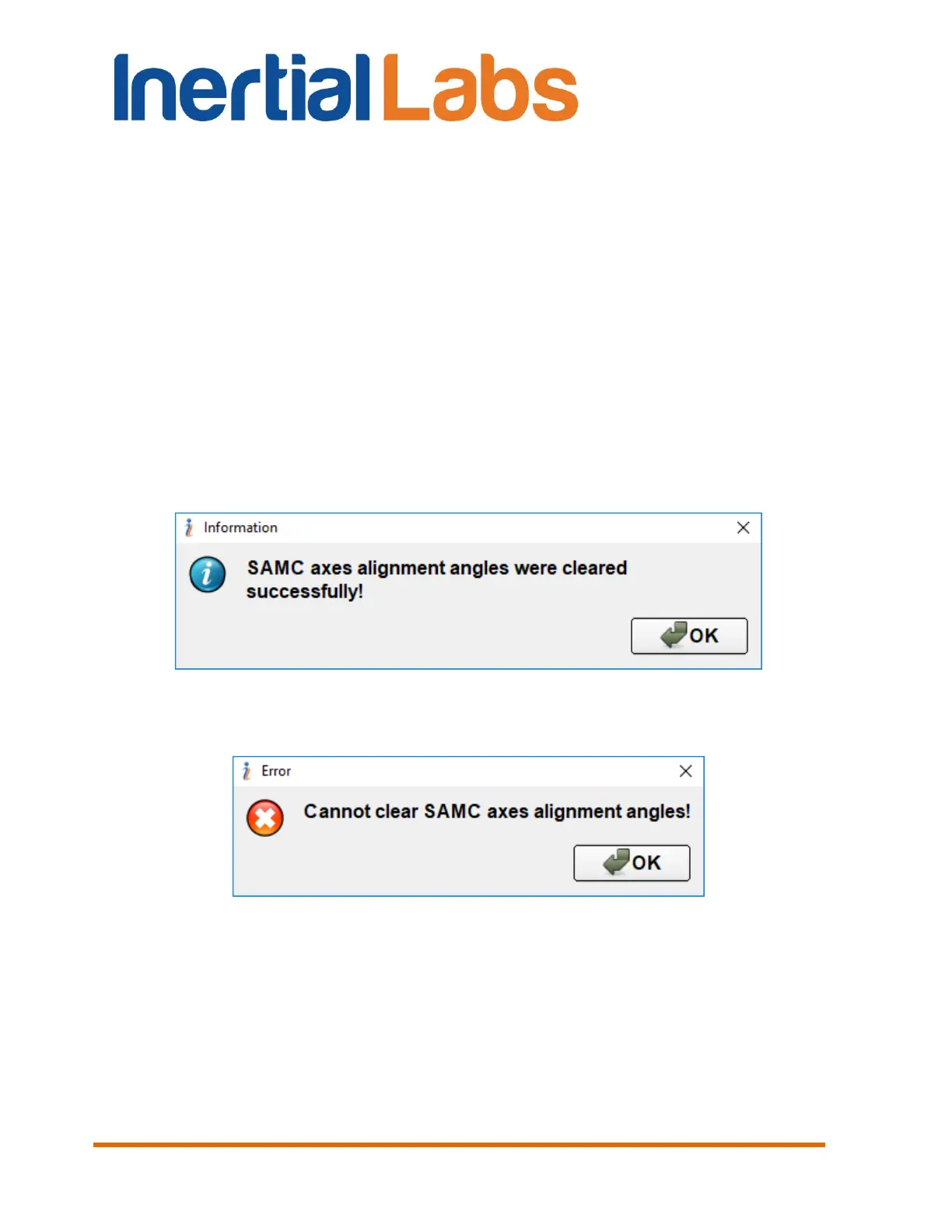
the opened window (see Fig. 8.7). Axes alignment angles will be cleared in
INS nonvolatile memory and a pop-up will appear on the screen (see Fig.
10.38). Otherwise, an error pop-up will appear on the screen (see Fig.
10.39). Click “OK” to close information window.
Fig. 10.38
Fig. 10.39


 To Next Page
 Loading...