Chapter 4: Getting Started (The Standard Template)
Your First Mix
102/ 526 2.0 Eclipse User Guide
Applying Processing to an Input
1. Press SEL on the input channel you wish to process.
The SEL button and Label flash.
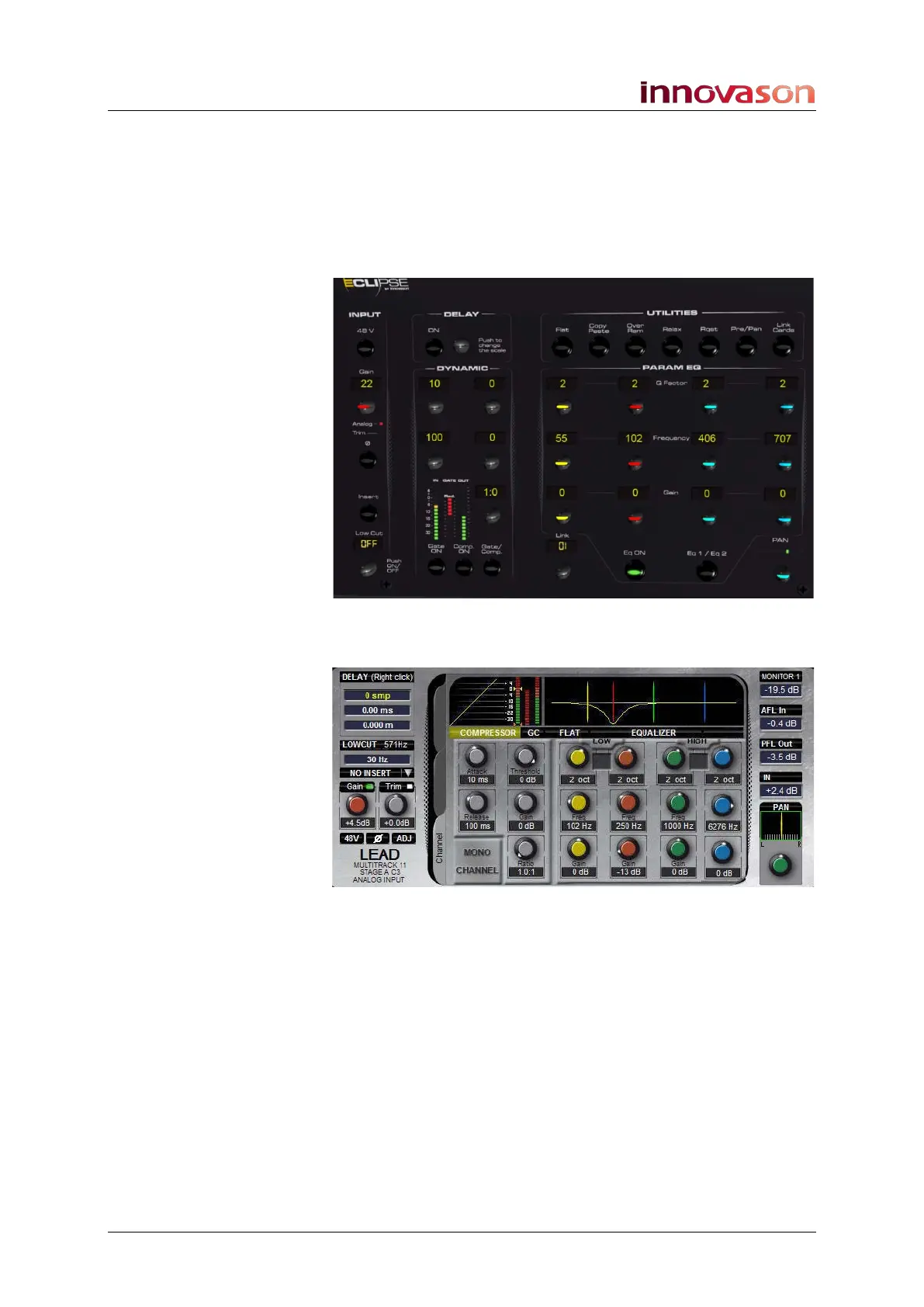
2. You can now use any of the front panel controls to
adjust EQ, Compressor, Gate, etc.:
Controls are laid out to match the controls on the Main Mix
display:
For a full explanation of EQ, Dynamics and other processing
sections, please see Page 131.



 To Next Page