Chapter 4: Getting Started (The Standard Template)
Your First Mix
Eclipse User Guide 2.0 103/ 526
Processing the Stereo Master
The stereo Master (Fader 47) is patched to a UM8-PO card.
This means that it has output processing (Compressor, Gate, 8-
band Parametric EQ, 31-band Graphic EQ and Delay) which is
applied on the output card.
By default, the processing on a stereo channel is linked, so any
settings will apply to both left and right sides of the Master.
Note that you can adjust left and right independently by
deploying the component channels to the Smart Panel, see
Page 189 for details.
To apply processing to the stereo Master:
1. Press SEL on the Master fader (red ID).
The SEL button and Label flash and the Main Mix display
updates to show the current settings:
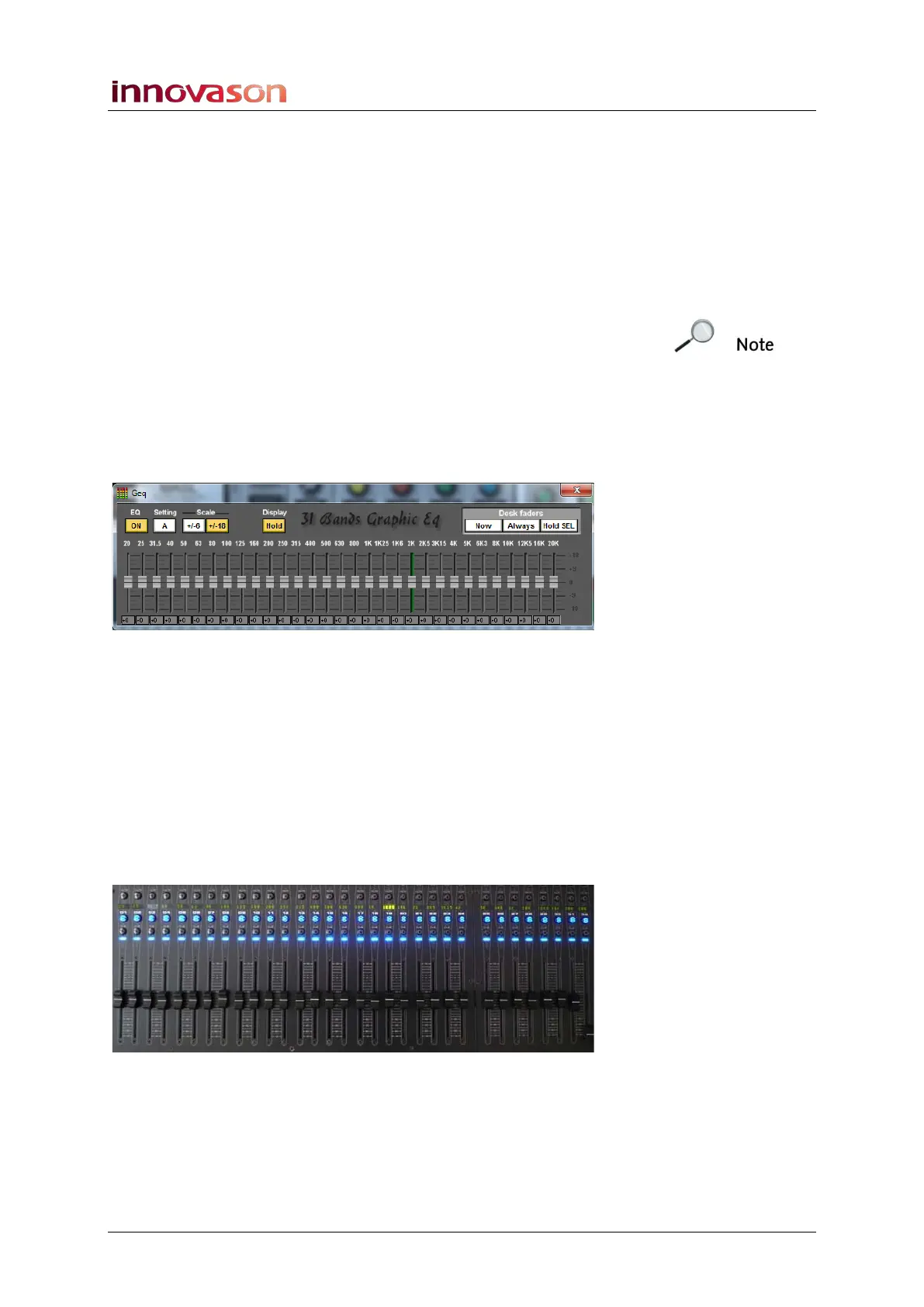
The Templ1 file sets the Geq window so that it automatically
appears when you select the Master (Display Hold is on).
Therefore, the selected channel is covered by the Geq window.
2. To adjust the Graphic EQ, either click and drag the on-
screen faders.
3. Or activate the Geq editor of the user defined section.
Unactivate it when the Graphiq EQ is set.
While Geq editor is activated, the 31-bands of Graphic EQ are
temporarily assigned down onto the first 31 faders; Fader 32
allows you to change the scale of the Graphic:



 To Next Page