Chapter 4: Getting Started (The Standard Template)
Your First Mix
104/ 526 2.0 Eclipse User Guide
4. When you are finished, switch OFF the Geq Editor.
Note that the Geq Editor can be activated and you can select
other buses (AUX) to adjust or compare the settings.
You can find more details on the Graphic EQ window on Page
180.
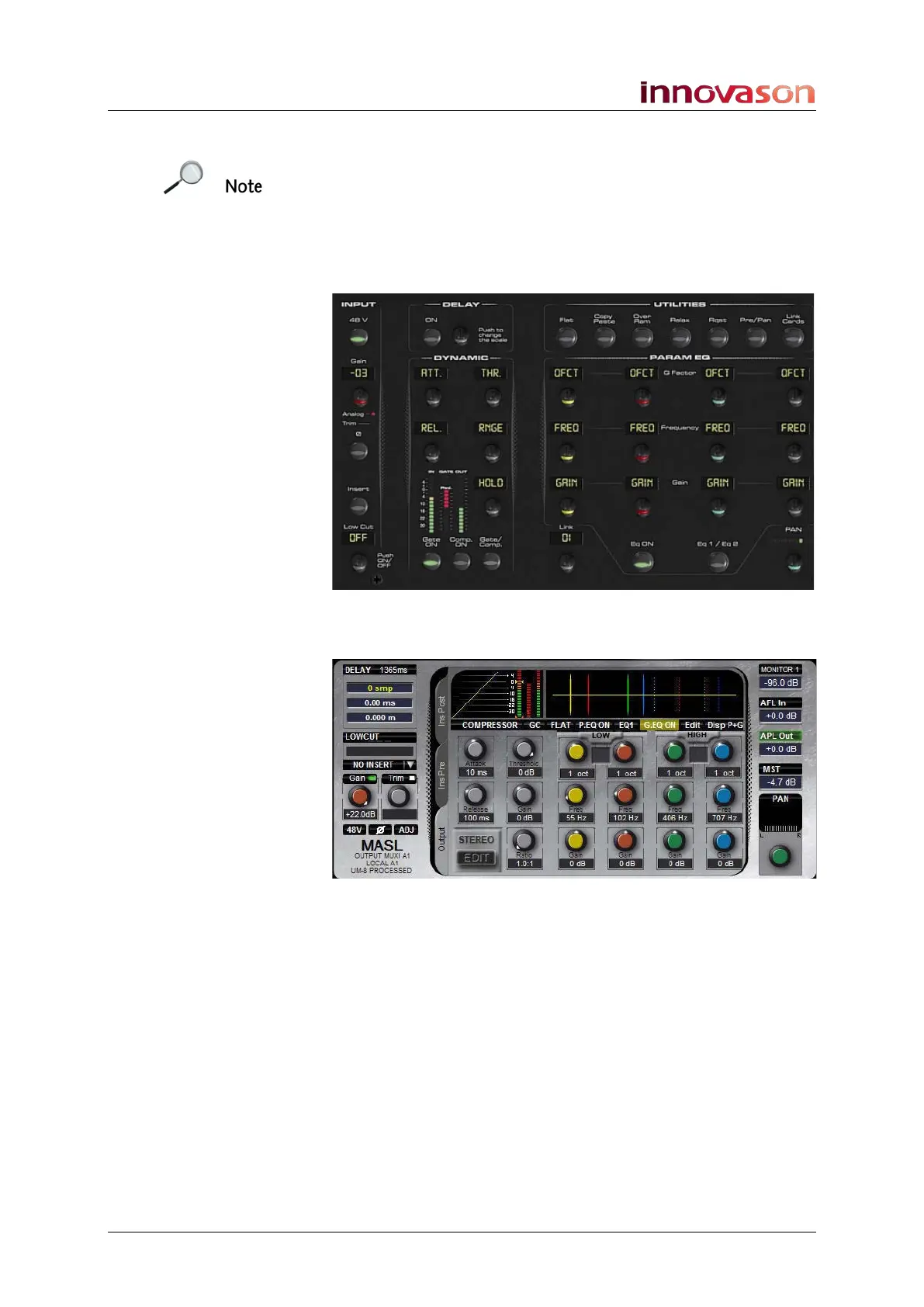
5. At any time you can adjust the other processing sections
from the front panel controls:
6. To view the parameters on the Main Mix display, close
the Geq window:
For more information on output processing, see Page 173.



 To Next Page