Chapter 4: Getting Started (The Standard Template)
Your First Mix
Eclipse User Guide 2.0 105/ 526
Setting Up an Aux Mix
The four Auxes configured on Faders 41 to 44 are stereo and
prepared as pre-fader sends from all input channels. This
makes them ideal for creating mixes back to the stage (for
monitors).
To setup the Aux mixes:
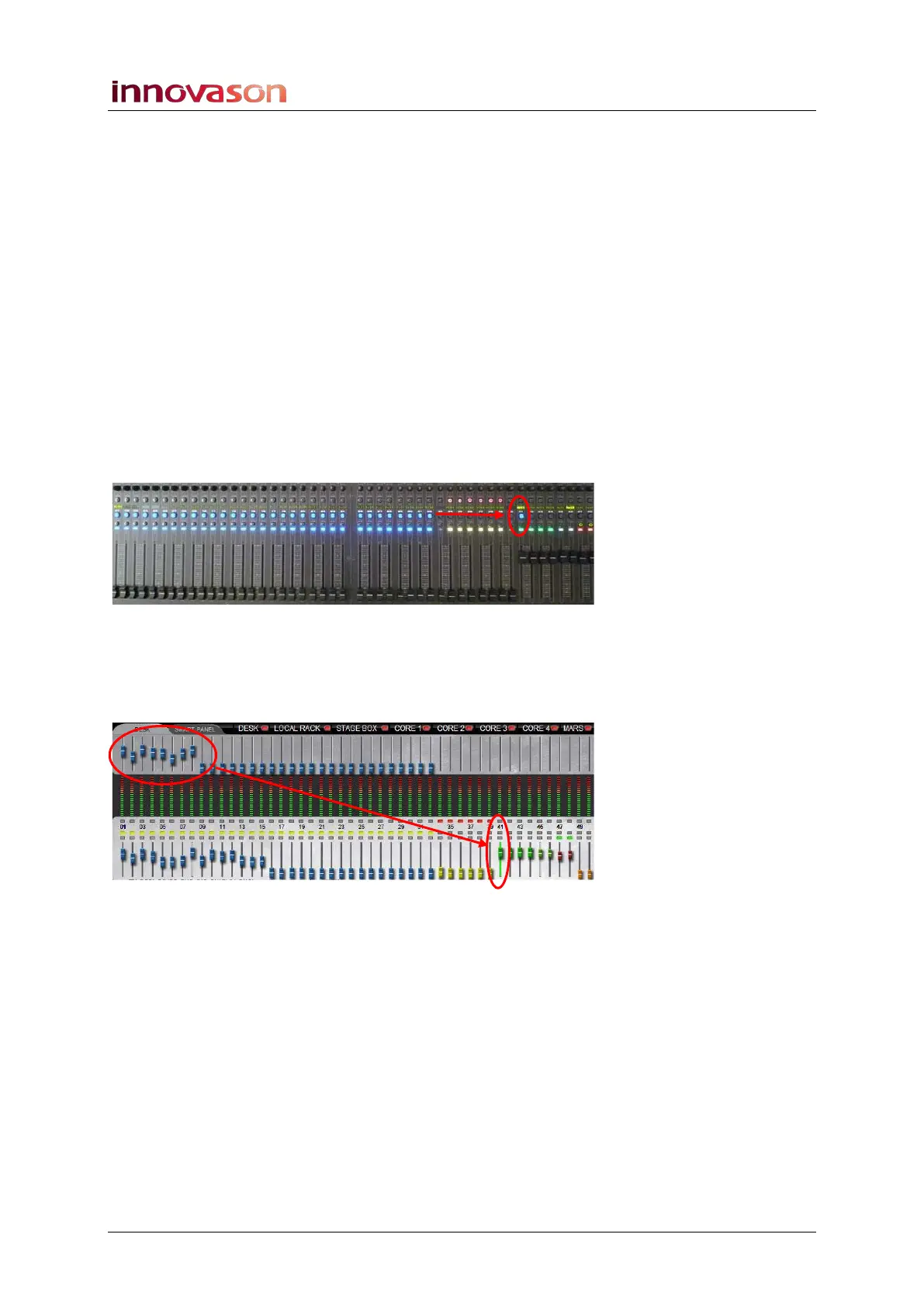
1. Press SEL on an Aux fader (with a green ID).
The SEL button and Label flash and the console’s input
channel faders move. This is because the faders are now
adjusting send levels to the selected Aux.
2. Look across the console at the status of the SEL buttons
on your input channels:
The steady state SEL buttons indicate bus assignments to the
selected Aux:
3. Move the input faders – in our example, Faders 1 to 8.
The faders adjust the send levels to the selected Aux. You can
confirm this by looking at the upper row of faders on the Main
Mix display:



 To Next Page