Chapter 4: Getting Started (The Standard Template)
Your First Mix
106/ 526 2.0 Eclipse User Guide
Note that by default, the panning to stereo Aux follows the main
channel pan position (panning is dependent). However, you can
change each Aux send to independent panning as follows:
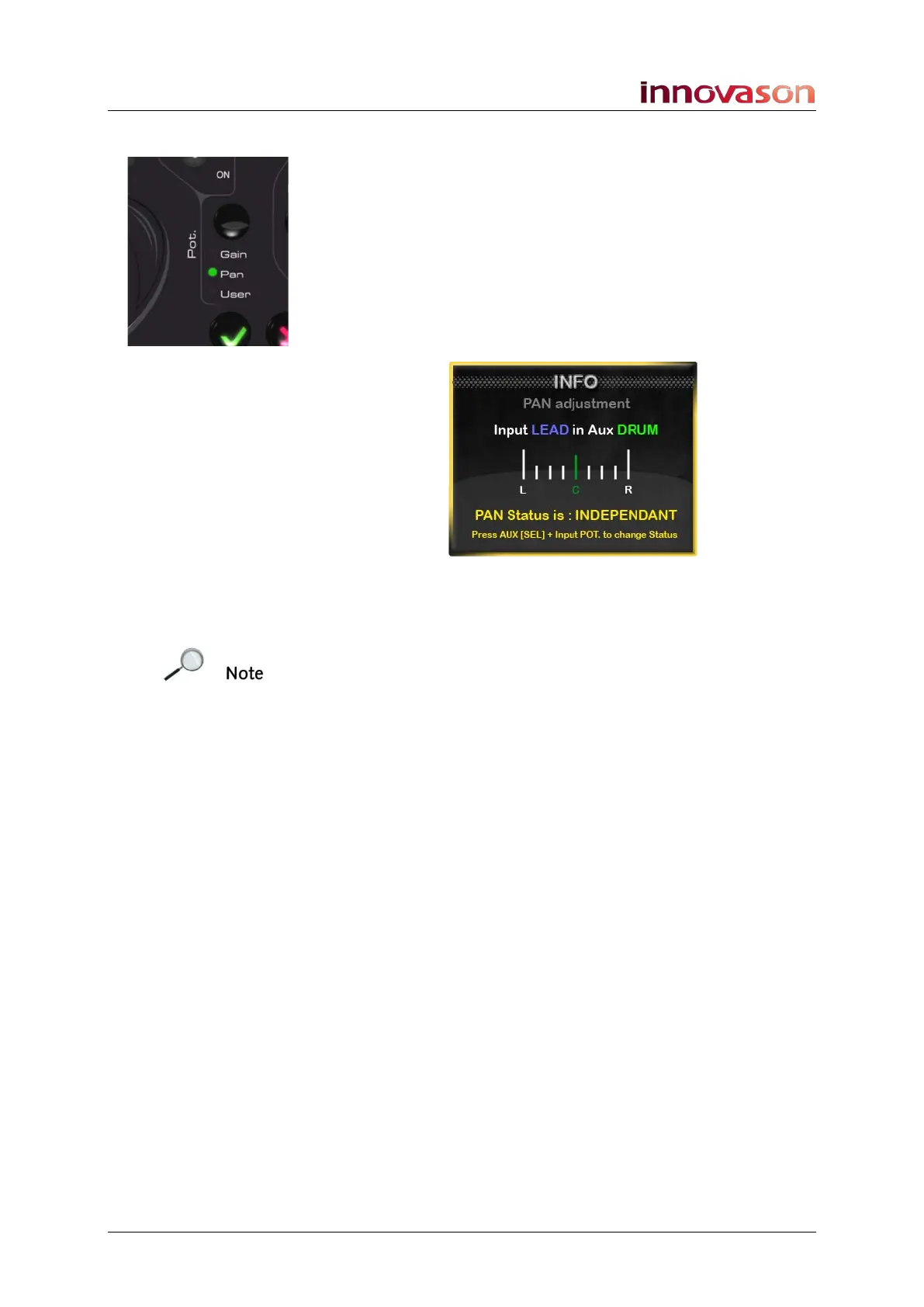
4. Press the Pot. button beside the trackball until the Pan
LED lights.
This assigns left/right Pan to the Fader strip rotary controls.
5. On the input channel, press down on the rotary control
to switch the Aux send to independent panning.
An INFO pop-up appears confirming the mode and current
setting:
6. Turn the rotary control to adjust the pan position.
You are now adjusting panning to the selected Aux only.
Note that you can only switch to Independent pan if this option
is enabled in the Pan Configuration window, see Page 123.
7. Now press SEL on a different Aux fader.
The input faders jump to indicate the send levels to the selected
Aux.
8. Repeat steps 3 to 6 to setup the next Aux send mix.
9. You can change the Aux assignments at any time by
pressing and holding the flashing AUX SEL button while
you press the SEL buttons on your input faders.



 To Next Page