Chapter 5: Console Operation
Stereo Channels: Adjusting LRC Independently
Eclipse User Guide 2.0 189/ 526
Adjusting LRC Independently
When you adjust a stereo Fader (or Smart Panel controller),
you are applying the same adjustments to the left and right
sides of the channel (or left, right and centre for an LCR output).
If you wish, you can deploy the component channels to the
Smart Panel to adjust settings independently. For example, you
may wish to offset the levels.
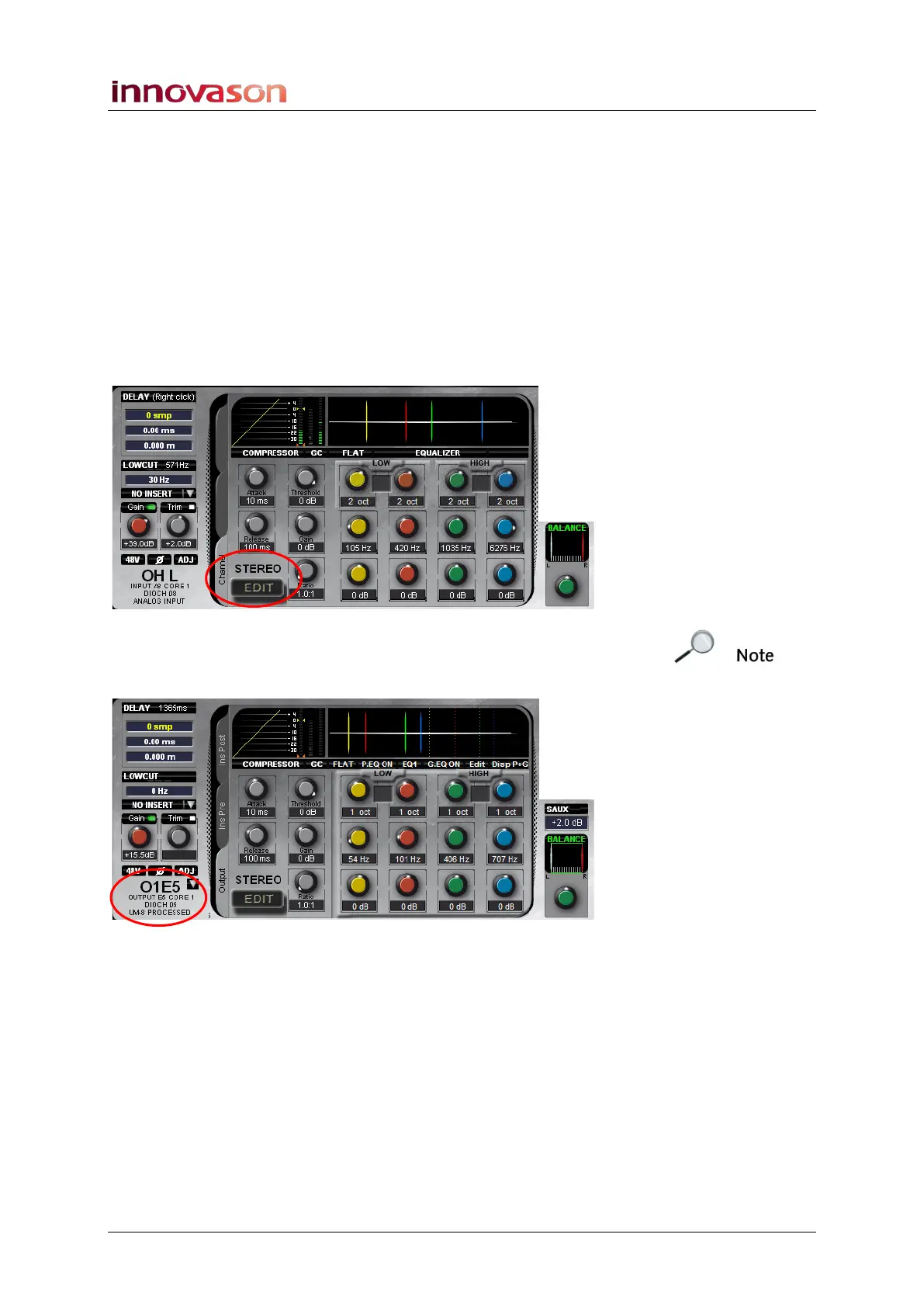
1. Select the stereo channel by pressing the SEL button on
the Fader or Smart Panel controller.
The Main Mix display shows the left side of the channel:
If this is an output channel, then it may be routed to more than
one destination. Press SEL again to select the required
destination:



 To Next Page