Chapter 5: Console Operation
Stereo Channels: Balance and Width Control
188/ 526 2.0 Eclipse User Guide
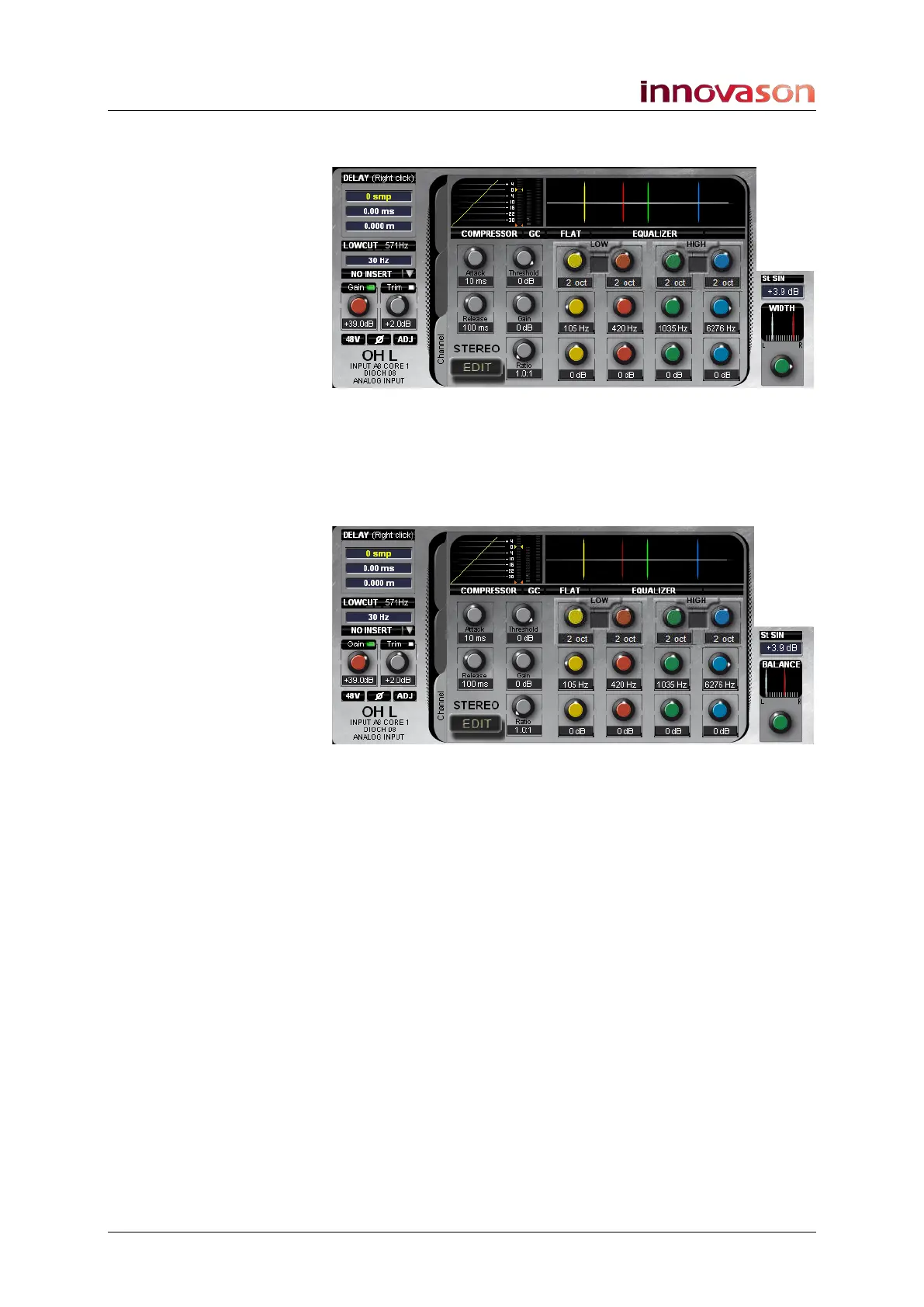
3. Press down, while you turn the PAN control, to adjust
the stereo width.
Turn clockwise to increase, or anticlockwise to decrease the
width. Note that if you keep turning anticlockwise you can
reverse left (white) and right (red).
4. Having reduced the width, you can offset the channel by
re-adjusting the balance control:



 To Next Page