Chapter 5: Console Operation
Stereo Channels: Adjusting LRC Independently
190/ 526 2.0 Eclipse User Guide
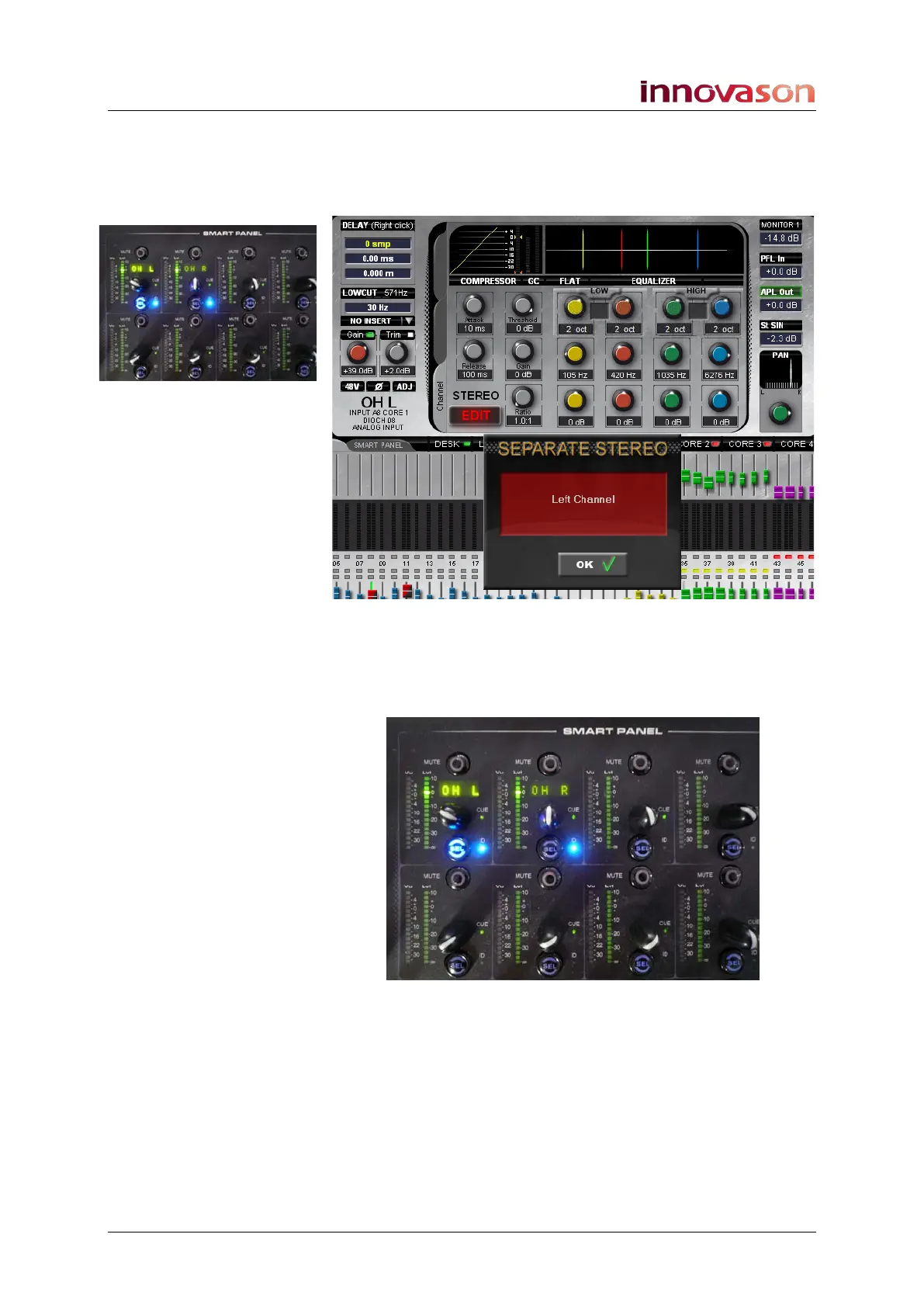
2. Now select the on-screen EDIT button.
The left, right (and centre) channels are deployed onto the first
three Smart Panel controllers, and the Main Mix display
updates as follows:
Note that all normal assignments to the Smart Panel are
removed while working in the stereo EDIT mode.
3. You can now use the Smart Panel controls to adjust
parameters for left, right or centre:
• Turn one of the rotary controls to adjust the fader level.
• Press SEL to assign to the selected channel; then adjust
parameters in the usual manner.



 To Next Page