Chapter 4: Getting Started (The Standard Template)
Your First Mix
108/ 526 2.0 Eclipse User Guide
Internal Effects
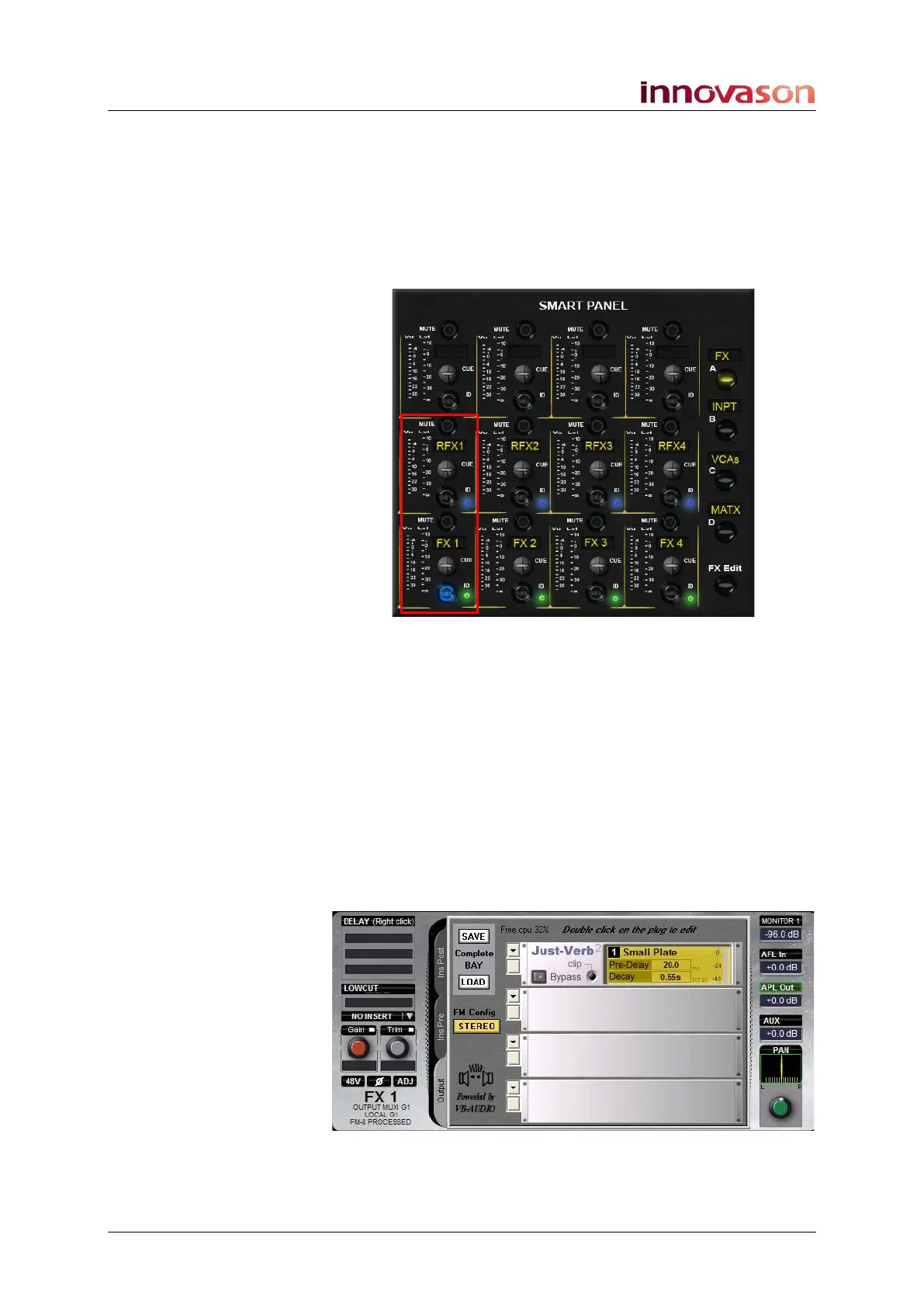
The Templ1 file configures four stereo effects bays from the
first FM-8VB card. These are patched from Aux sends and to
FX return channels on the Smart Panel:
1. Press the layer A (FX) button on the Smart Panel to
access the controls:
For each effects bay you will find:
• FX send (e.g. FX 1) – this a mono Aux (green ID).
• Stereo FX Return (e.g. RFX1) – these is a stereo input
channel (blue IDs) which have been routed to the stereo
Master.
2. Press SEL on one of the FX sends – e.g. FX1:
The SEL button and Label flash and the console’s input
channel faders move. This is because the faders are now
adjusting send levels to the selected Aux.
The Main Mix display also updates and shows that the output
from this Aux send is patched to a stereo effects bay:
You can see that the bay has been configured with a Just-Verb
plug-in.



 To Next Page